For audiophiles and music lovers

Your iPhone in command.
Your sound in high fidelity.

The most advanced streaming player available today. HyperFi turns your iPad or Mac into a hi-fi player and your iPhone into the most complete remote you've ever used. Pick the music, tune the sound and switch the visualizer without leaving the couch.

Your iPhone only sends the commands: the sound goes from the iPad or Mac to the DAC by cable, without Bluetooth compression, which turns even the best file into something close to an MP3.

No Bluetooth compression Bit-perfect up to 24-bit / 192 kHz
Integrations

All your music, in one place.

Apple MusicLossless, Hi-Res Lossless and Dolby Atmos
Available
TIDALSearch, albums, artists and playlists in FLAC and Hi-Res
Beta
SpotifyBrowse in HyperFi and play through Spotify Connect (Premium)
Beta
Your filesFLAC, ALAC, WAV, AIFF, DSD and MP3
Available
Network serversYour home NAS and UPnP / DLNA servers
Available
Mac foldersYour library, right where it already is
Available
Last.fmScrobbles what you listen to on your profile
Available
QobuzFLAC streaming up to 24-bit / 192 kHz
Coming soon
Amazon MusicUltra HD and spatial audio
Coming soon
Bluetooth × HyperFi

Bluetooth compresses. HyperFi delivers it all.

Sending music from your iPhone over Bluetooth re-encodes every track to lossy AAC, even when it's Lossless. With HyperFi, the iPhone sends only commands over Wi-Fi; the sound leaves the iPad or Mac by cable, straight to the DAC.

Bluetooth
Lossless file→Re-encoded to AAC
~256 kbps, lossy
→Headphones or speaker decode
HyperFi
Lossless file→iPad or Mac
bit for bit, no re-encoding
→DAC by cable
iPhone ⇢ Wi-Fi ⇢ commands only: play, queue, volume, visualizer
How much of the music reaches the DACkbps, by file quality
HyperFiBluetooth (AAC)HyperFi advantage
Frequency responselevel in dB by frequency, up to 48 kHz (typical response)
HyperFi · 24/96Bluetooth (AAC)Extra bandwidth
36×more music data reaching the DAC with a 24/192 file
+48 dBof dynamic range: 24 bits versus Bluetooth's 16
0re-encodes: the file reaches the DAC exactly as it was recorded
DSDnative on Mac, something no Bluetooth can carry
See the numbers as a table
Bluetooth (iPhone)HyperFi
Codec to the DACAAC, lossyLossless PCM (FLAC, ALAC, WAV) or DSD
Data per second~256 kbps1,411 to 9,216 kbps
Resolution16 bitsup to 24 bits
Sample rate44.1 or 48 kHzthe file's own, up to 192 kHz
What turns it into soundthe chip in the headphones or speakeryour DAC
Bit-intact signalnoyes, in Mac exclusive mode

Theoretical values for each format. The iPhone uses AAC over Bluetooth: it has no LDAC or aptX, and even those codecs are lossy. The audible gain depends on the DAC, speakers, headphones and recording.

One app, every screen

The iPhone chooses. The iPad and Mac play.

Use an old iPad as a hi-fi display on the shelf, or a Mac connected to your amplifier. HyperFi Remote finds them both, Apple Watch controls from your wrist and Apple TV brings the screens to the living room.

40+visualizers
24/192bits / kHz output
5Apple devices
7languages
0cables to the couch
On your devices

One app on each screen. Both play together.

Real screens from the apps: the iPad or Mac handles the sound and the big screen, the iPhone controls everything.

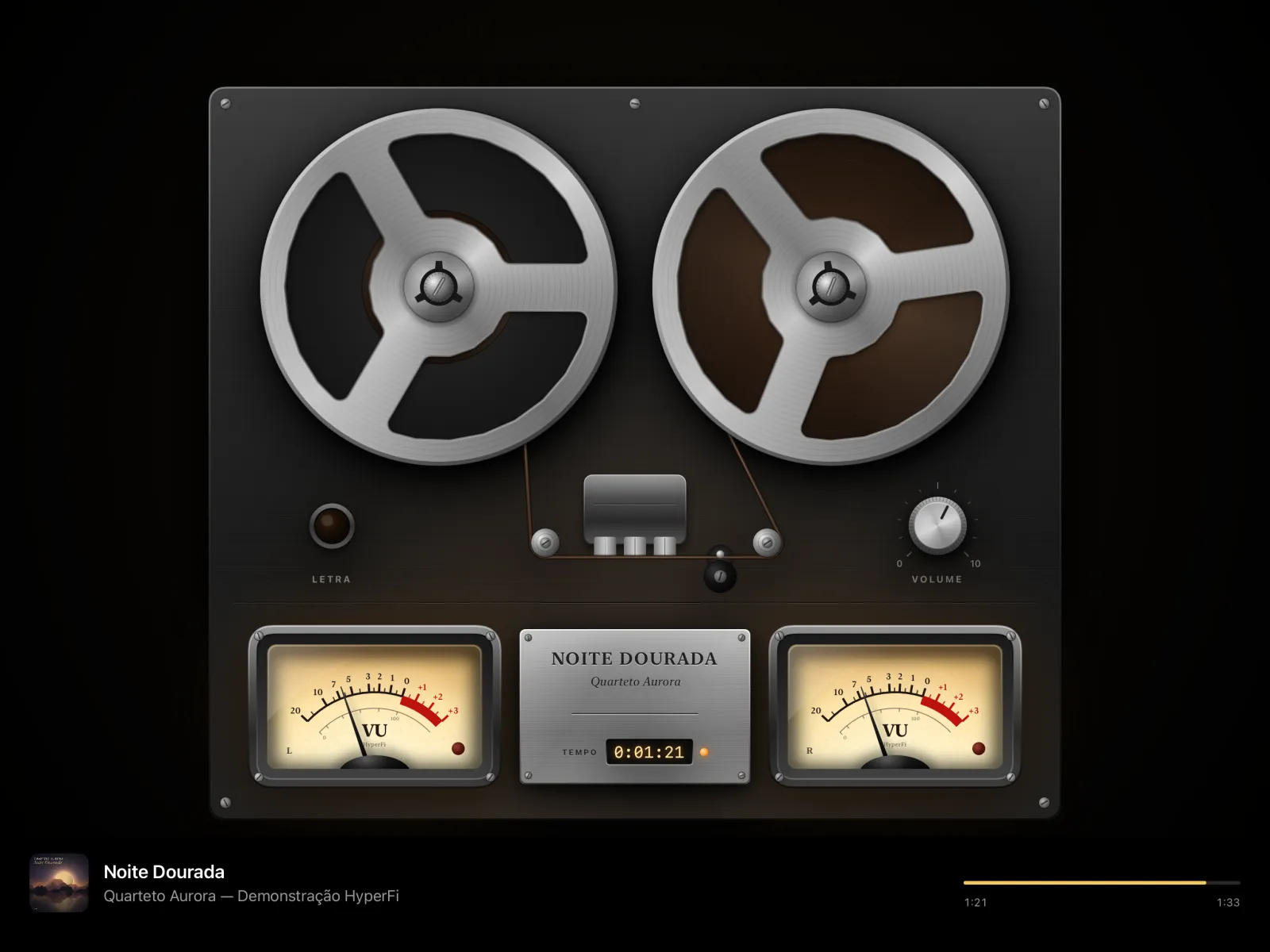
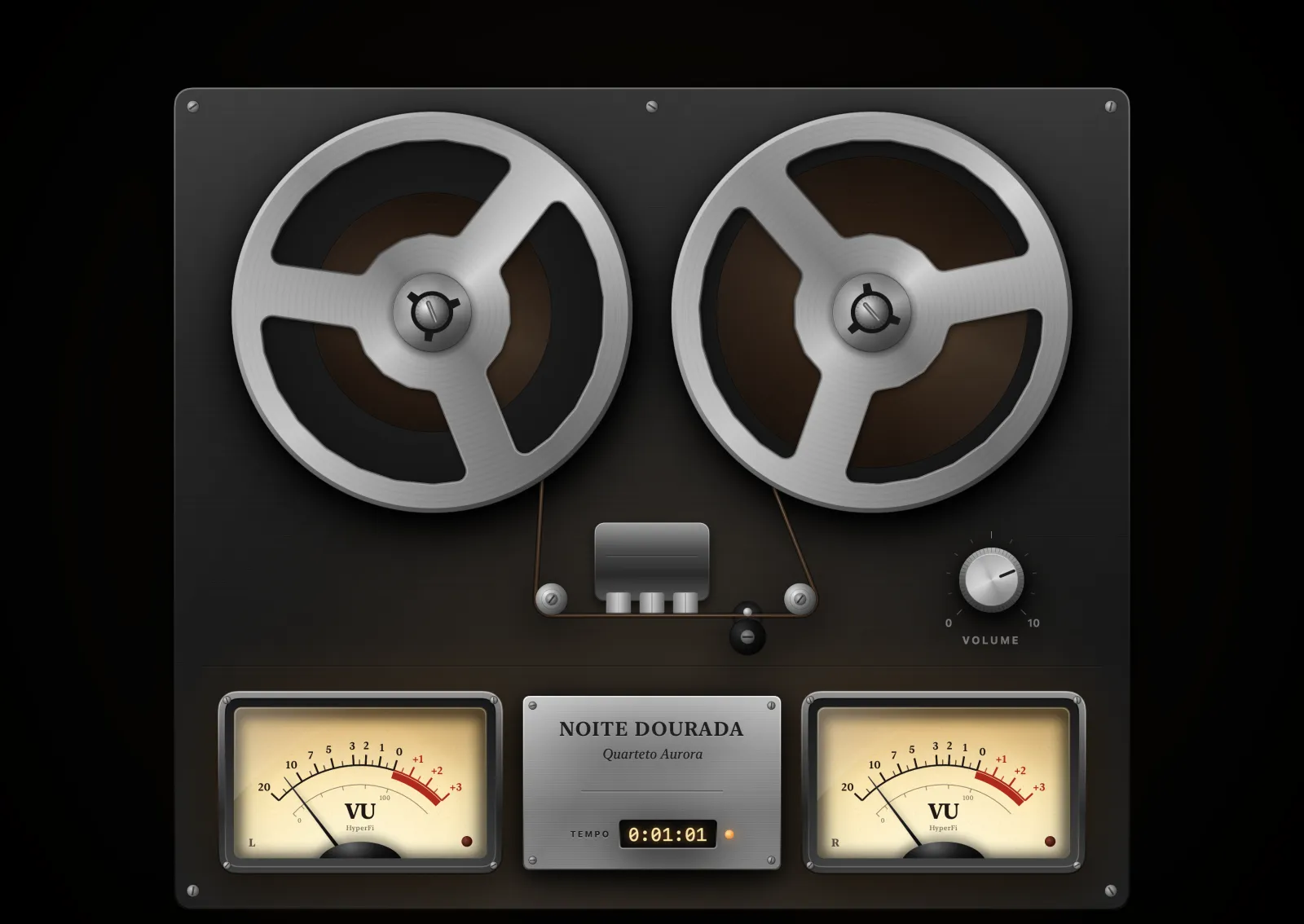
HyperFi Player on iPad: reel-to-reel with VU meters playing Noite Dourada
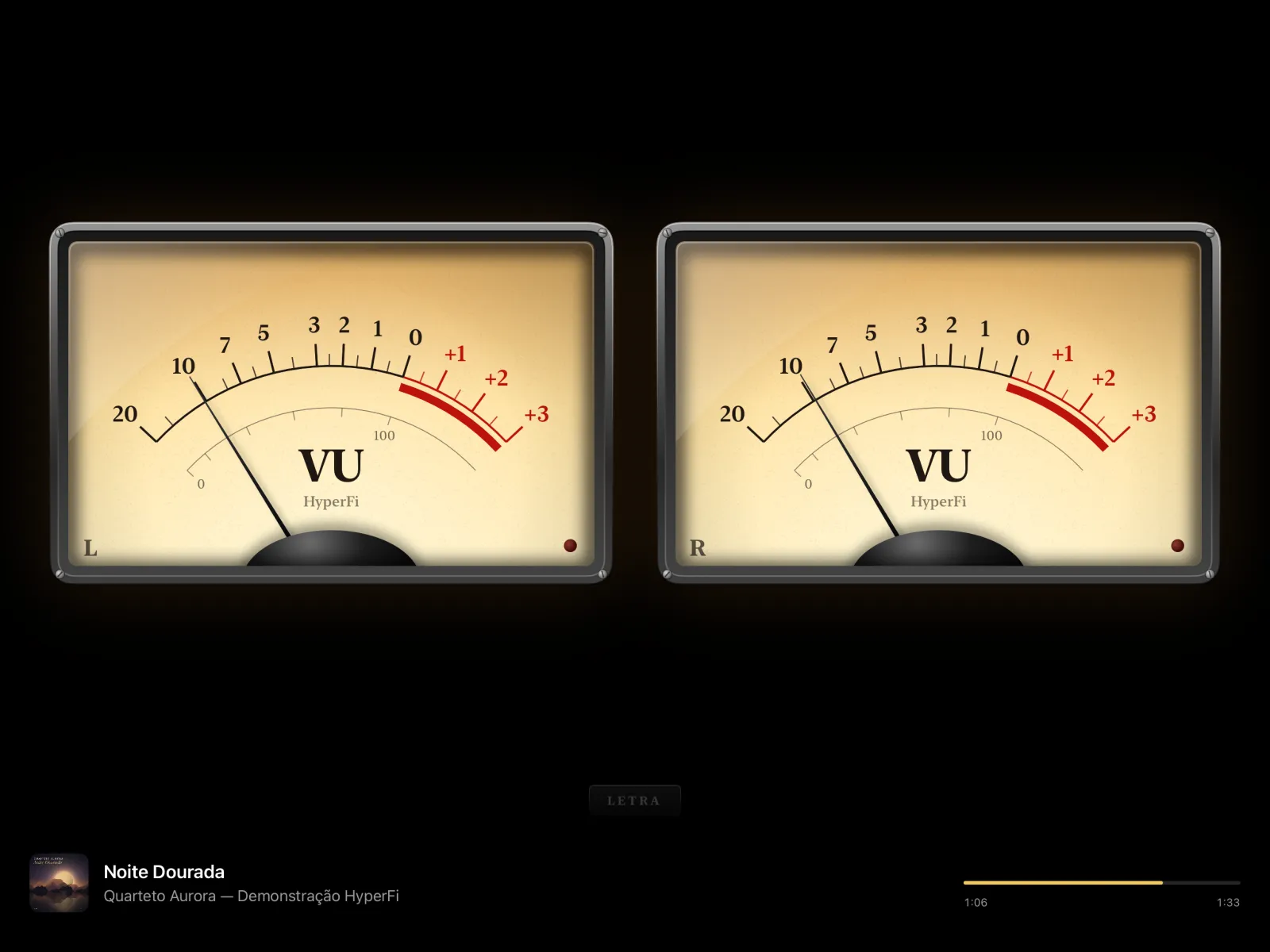
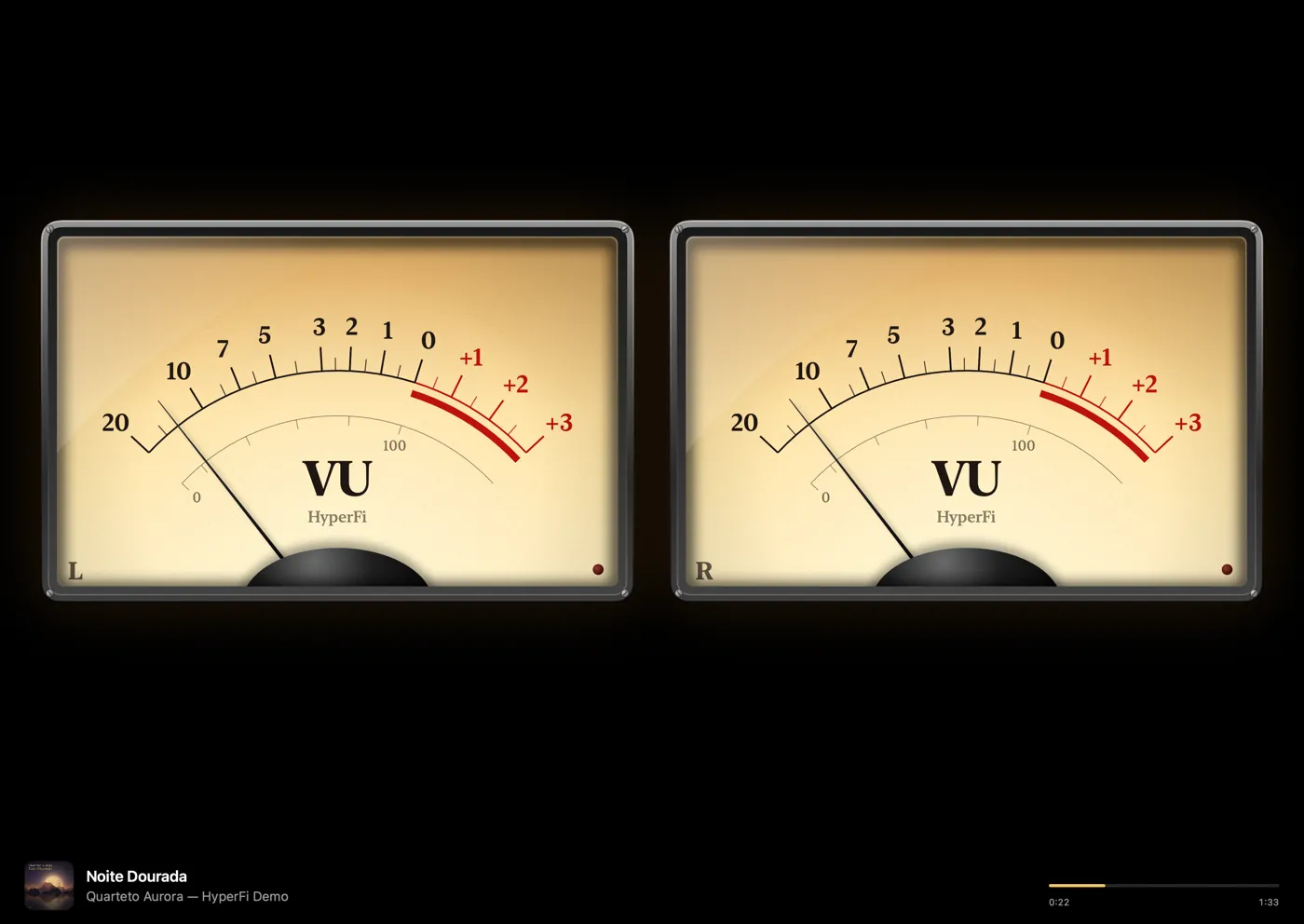
HyperFi Player on iPad: analog L/R VU meters
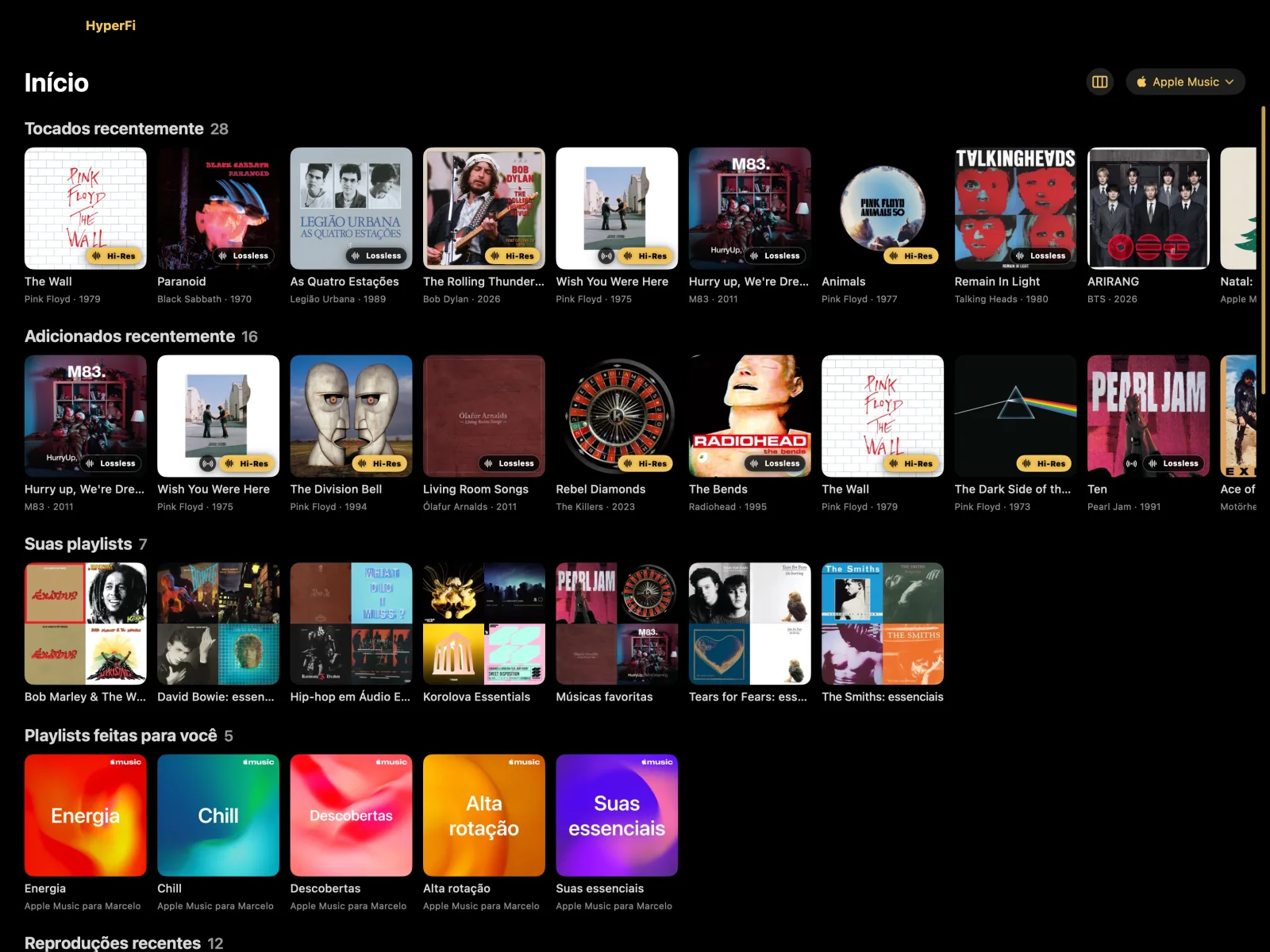
HyperFi Player on iPad: Home with the library covers
iPad: the playerConnected to the DAC, it plays the music and fills the screen with VU meters, a reel-to-reel and your library covers.
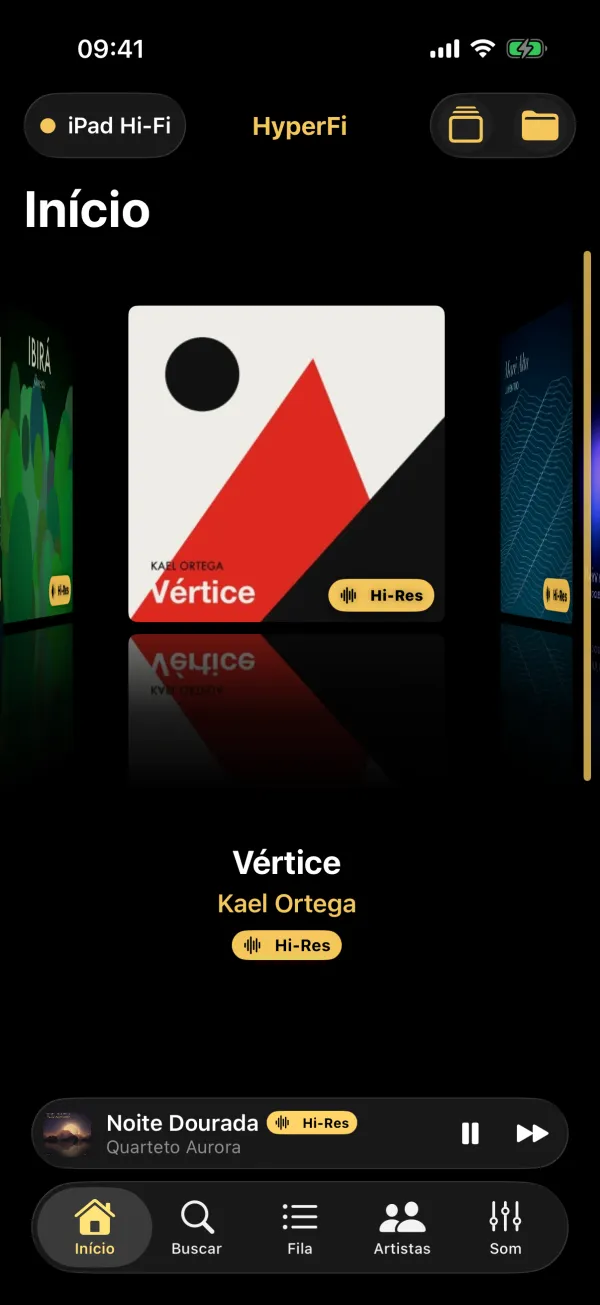
HyperFi on iPhone: Home in Cover Flow
Home in Cover Flow
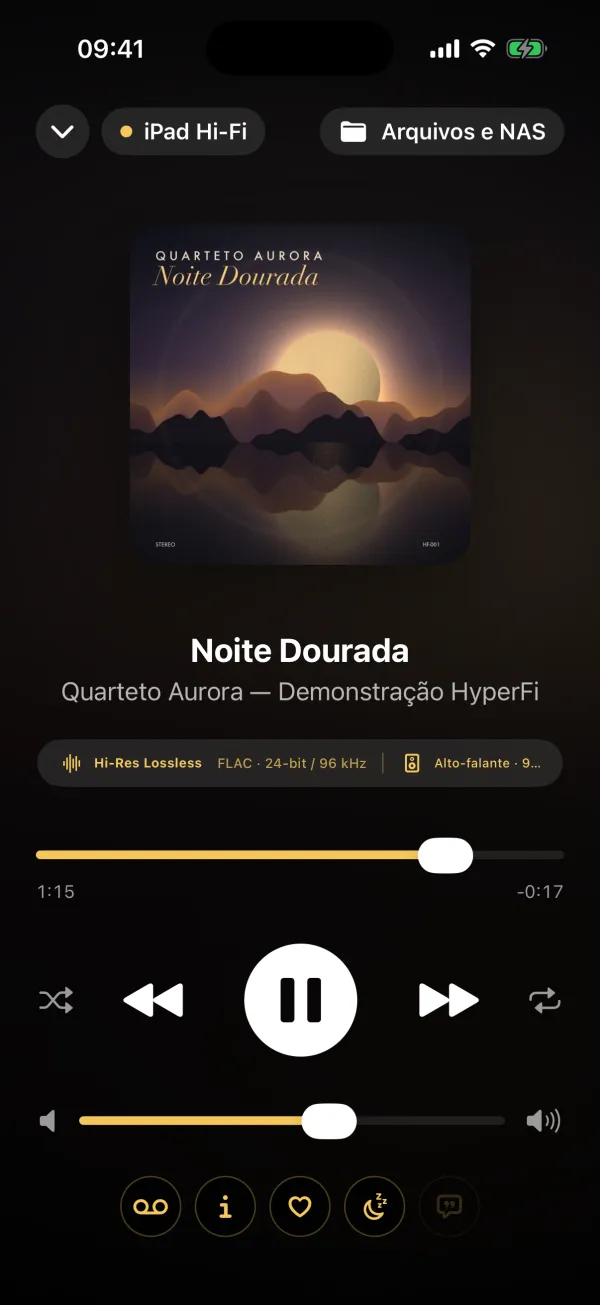
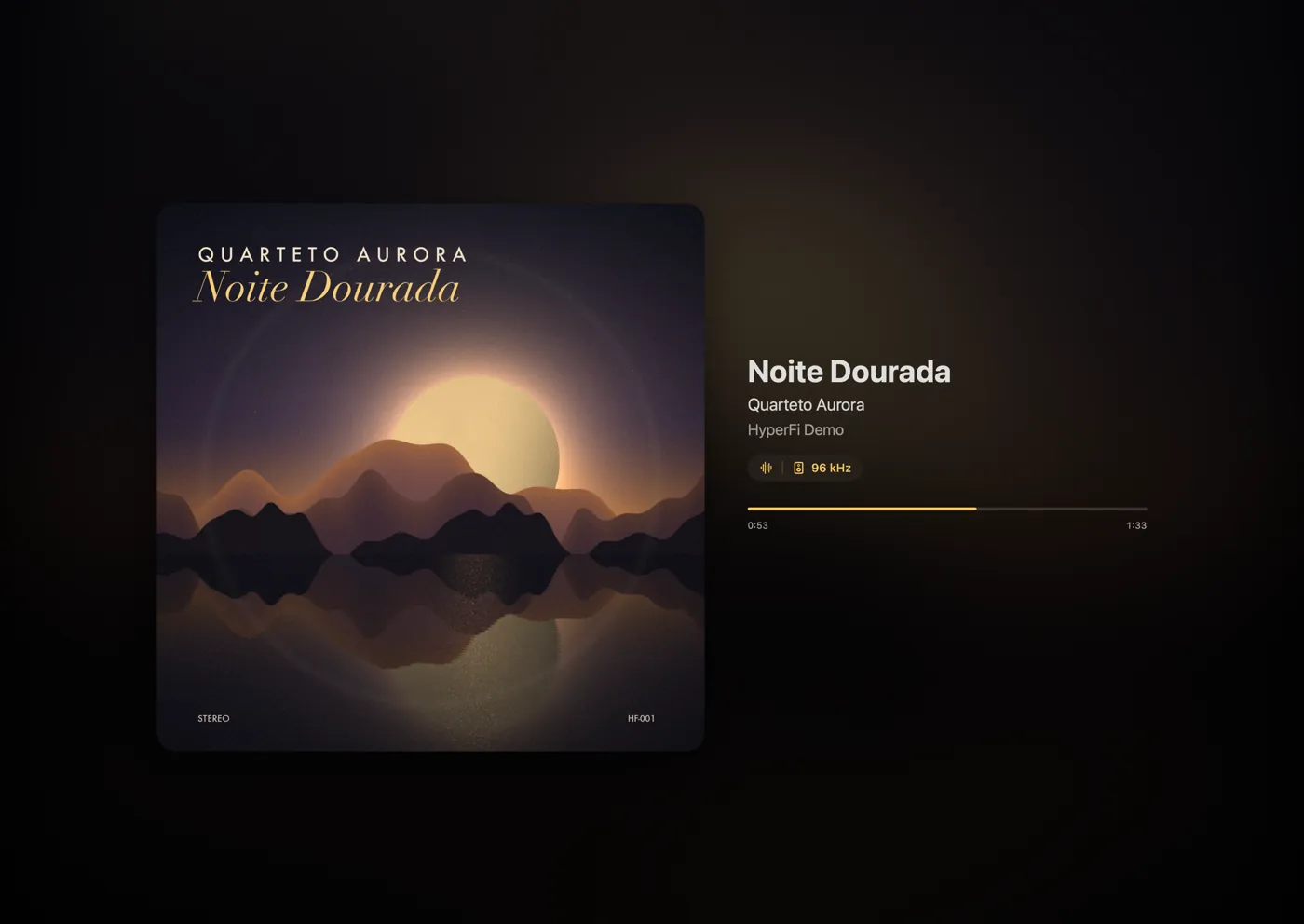
HyperFi on iPhone: Now Playing, with cover and Hi-Res Lossless quality
Now Playing with the real quality
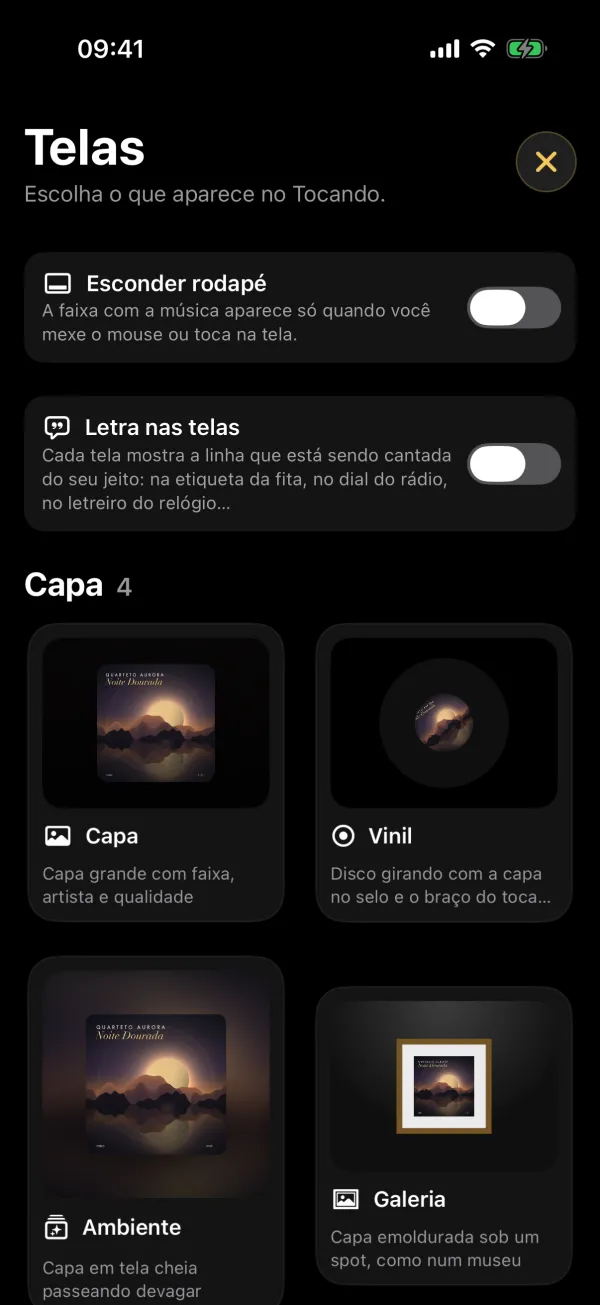
HyperFi on iPhone: gallery of player screens
Player screens
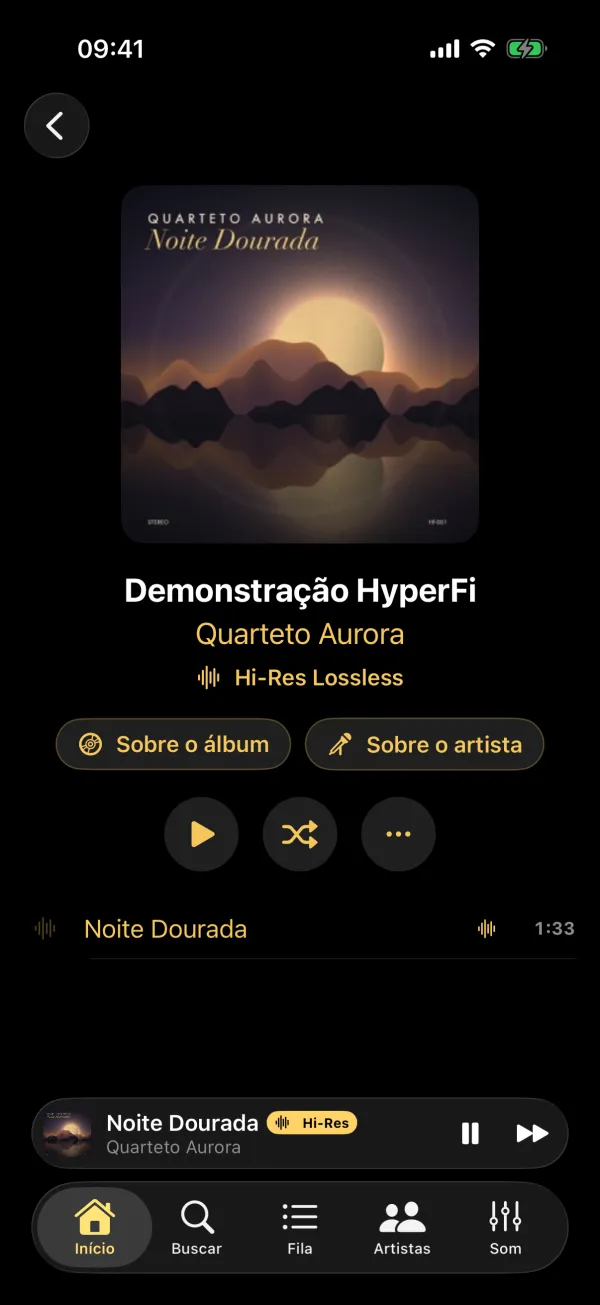
HyperFi on iPhone: album page
Album and tracks
iPhone: the remotePick the music, change the player screen and tweak the sound from anywhere in the house.
Your iPhone is the remote

Everything in the palm of your hand. Nothing out of place.

Your iPad or Mac stays by the system, connected to the DAC and speakers. You run everything from your iPhone, from anywhere in the house.

  • Connects on its own

    Open the app and it finds the player. If the Wi-Fi drops, it reconnects without you noticing.

  • Mirrored cover wall

    Scroll your library on the iPhone and the big screen scrolls along, with covers at showcase size.

  • Volume on your iPhone's buttons

    The side buttons control the player's volume, even with the screen locked.

  • Widget and Live Activity

    What's playing shows up on the Lock Screen and in the Dynamic Island, with controls at hand.

From iPhone to sound, in three taps
1
SearchApple Music, your FLAC files or your Mac folders, all in a single search.
2
PlayThe player starts instantly, at the file's original quality.
3
AdjustQueue, EQ, visualizer and lyrics, without leaving the couch.
Apple Watch, Apple TV and Vision Pro

From your wrist to the living-room TV. Right on the beat.

The sound still goes from the iPad or Mac to the DAC. The watch becomes a remote and the TV becomes a showcase for the visualizations.

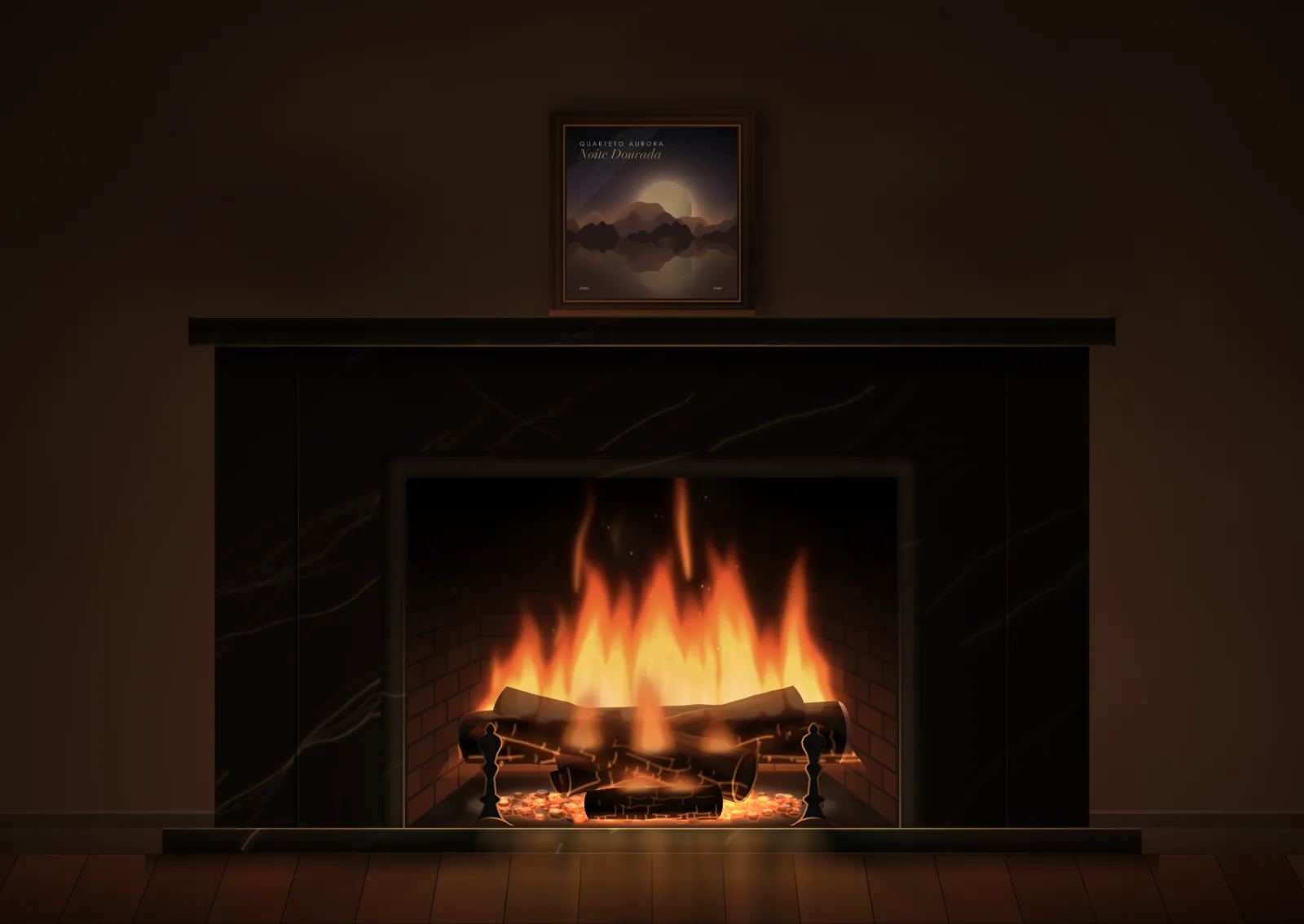
Apple TV showing HyperFi’s fireplace on the living-room TV
Apple TV

Living-room screen

The iPad or Mac keeps playing bit-perfect to the DAC. The TV just shows the screens, in sync with the music.

  • Live meters at 60 frames per second: the needles and spectrum reach the TV in step with the sound
  • The Siri Remote switches screens: swipe from the VU to the reel, the cover or the clock
  • Lyrics, cover and file quality on the big screen
  • Full player on Apple TV, with sound over HDMI Beta
Apple Watch

The remote on your wrist

Included with HyperFi Remote. For when the iPhone stays in your pocket.

  • Now playing: cover, play and next track
  • Volume on the Digital Crown, with the crown’s fine turn
  • Live VU needles and the lyric line being sung
  • Choose the screen the player shows
  • Complications on the watch face, to open with a tap
Apple Vision ProComing soon

Your sound, all around you

  • The gear in 3D in your room: the reel-to-reel, the turntable, the tube amp
  • Immersive rooms: fireplace, night sky and rain on the window
  • A wall of records around you, to choose with a glance
  • Studio meters floating in the air

Illustration. In development.

Room correction

Your room plays too. Your iPhone tunes it.

Walls, corners and furniture boost some bass notes and hide others. HyperFi measures the room with the iPhone's microphone and corrects the sound in the player, only where it's needed.

  1. The player plays pink noiseA soft hiss, with every frequency in equal measure, comes from the speakers.
  2. The iPhone measures where you sitAt ear height. Measuring at three spots on the couch gives a more faithful average.
  3. Corners pile up bassLong waves add up at the walls and create peaks of up to 10 dB on certain notes.
Bass at the listening positiondB from 20 to 500 Hz, before and after correction (example from a typical room)
BeforeAfterCorrected range: 30 to 500 Hz
Only cuts peaksDips are left as they are: they come from cancellations that more power can't fix, it only strains the speakers.
1/12-octave precisionThe analysis splits frequencies into narrow bands, like a studio analyzer.
Toggle it instantlyCompare before and after from your iPhone. The correction is saved on the player.
Features

Made for those who truly listen.

The same features on iPhone, iPad and Mac. And each one can be turned on or off in Settings, with an explanation of what it does.

Hi-fi without shortcuts

  • Output follows each track's sample rate: 96 kHz reaches the DAC at 96 kHz
  • Exclusive mode on Mac, with no system processing of the sound
  • Format, bit depth, sample rate and output always in view, with tips when something limits quality
  • Linear-phase or minimum-phase upsampling filter, and TPDF dither

Sound tailored to you

  • Equalizer with AutoEQ search for your headphones
  • Room correction measured with the iPhone's microphone
  • Per-speaker delay and high-pass filter
  • Loudness compensation for low volumes
  • Imports filters from REW and Equalizer APO

Studio tools

  • Fake hi-res detector: the spectrum exposes files that started as MP3
  • Blind ABX test: find out whether you can hear the difference
  • Spectrogram, goniometer and LUFS and true peak meter

Reference algorithms

  • Crossfeed: Bauer bs2b (Boris Mikhaylov)
  • Perceived loudness: EBU R128 / ITU-R BS.1770
  • Dynamics: DR method (Pleasurize Music)
  • Equalization: RBJ filters, AutoEQ and REW profiles

For singing along

  • Synced lyrics karaoke-style
  • Lyrics on the screens: each visualizer shows the sung line its own way, on the tape, the dial or the clock
  • A LETRA (lyrics) button on every device on screen
  • Works with MP3, FLAC and Apple Music songs

Your music, organized

  • Queue, search and a library with covers on your iPhone
  • Artists A to Z, like a contacts book, with photo and country flag
  • Artist and album pages, showing where each record comes from
  • In 7 languages, from Portuguese to Japanese

Browse by cover

  • Cover Flow with the motion you remember
  • Record crate: flip through and pull the vinyl out to play
  • Color wheel, Sphere and a Timeline by year
  • Discover: one cover at a time, swipe to play

Classic gear on screen

  • Reel-to-reel and tape deck with turning reels
  • Tube radio and tube amp, blue panel, oscilloscope and Nixie
  • The controls work: turn the volume, drag the reel to scrub

Elegant clocks

  • Classic, station and flip clock
  • Word clock and time over the cover
  • With the song playing, discreetly, and lyrics if you like
Visualizers

Choose on your iPhone what the big screen shows.

Over 40 screens: covers and art, meters, analog gear, clocks, scenes and audiophile instruments. Real HyperFi Player screens, identical on iPad and Mac.

Click a screen to see the details.

HyperFi L/R analog VU visualizer
L/R analog VUNeedles with classic ballistics, one per channel.

Cover & art

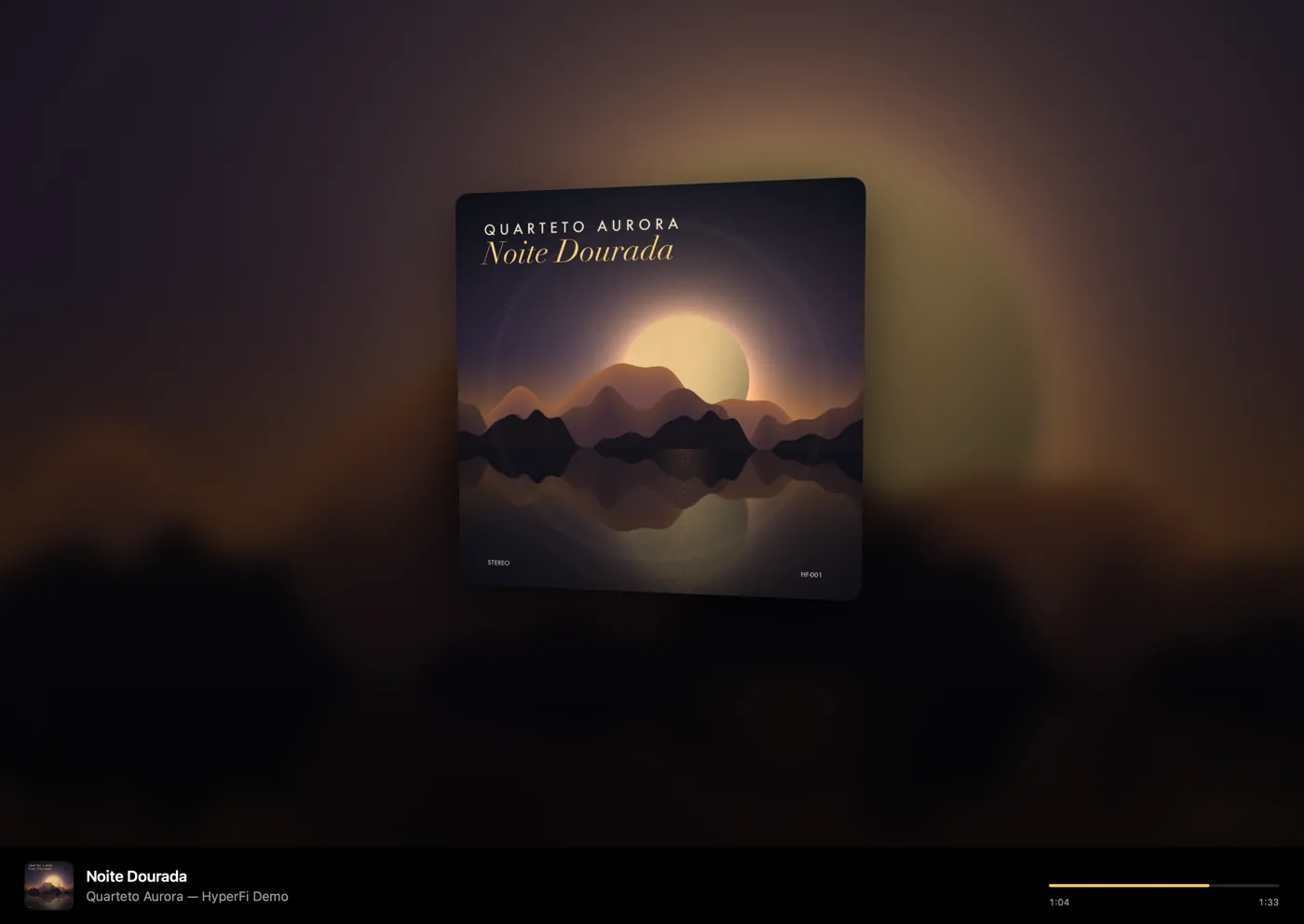
HyperFi Cover visualizer
CoverLarge cover, track and format.
HyperFi Ambient visualizer
AmbientThe whole screen tinted with the album's colors.
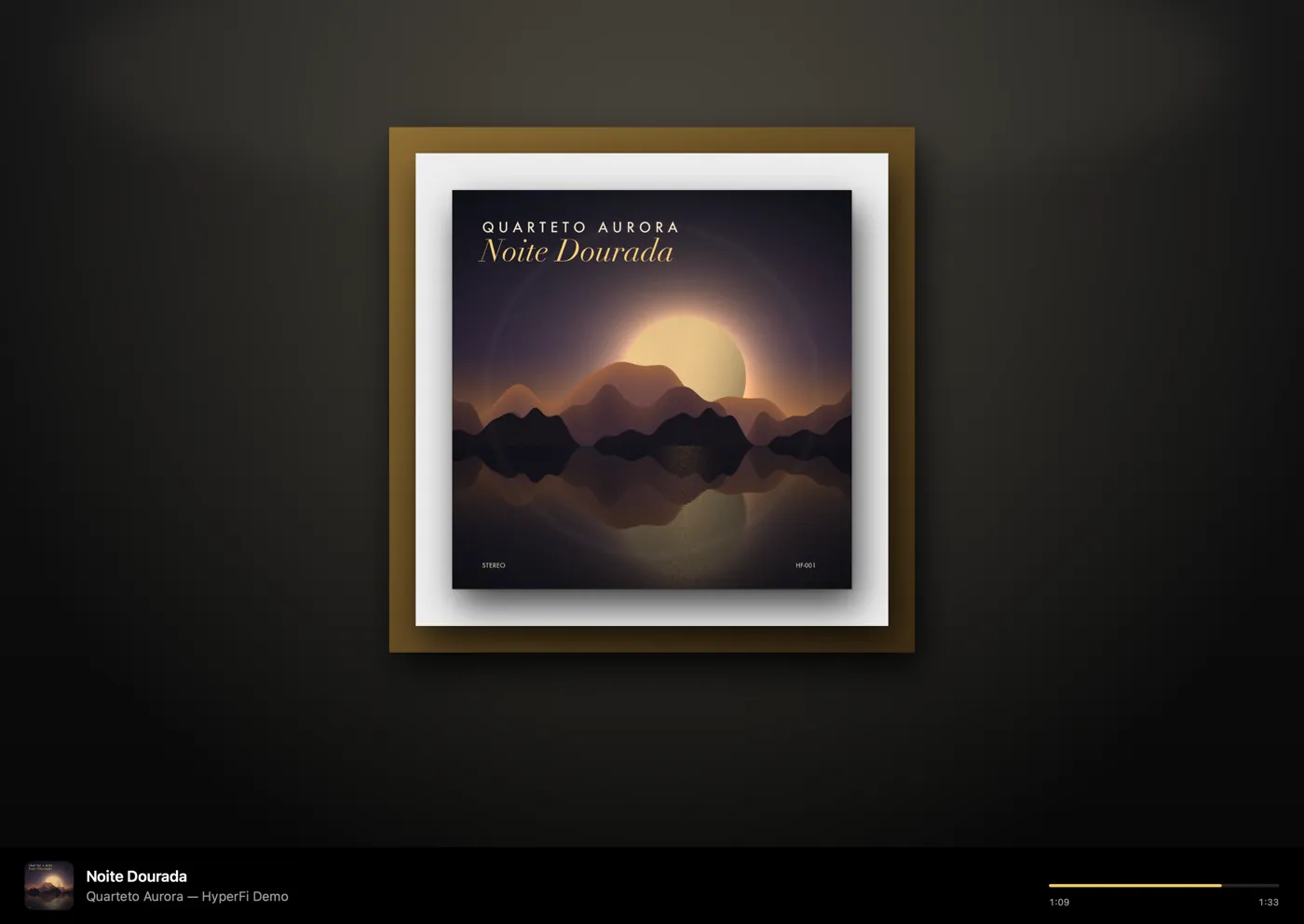
HyperFi Gallery visualizer
GalleryThe cover framed, like a painting.
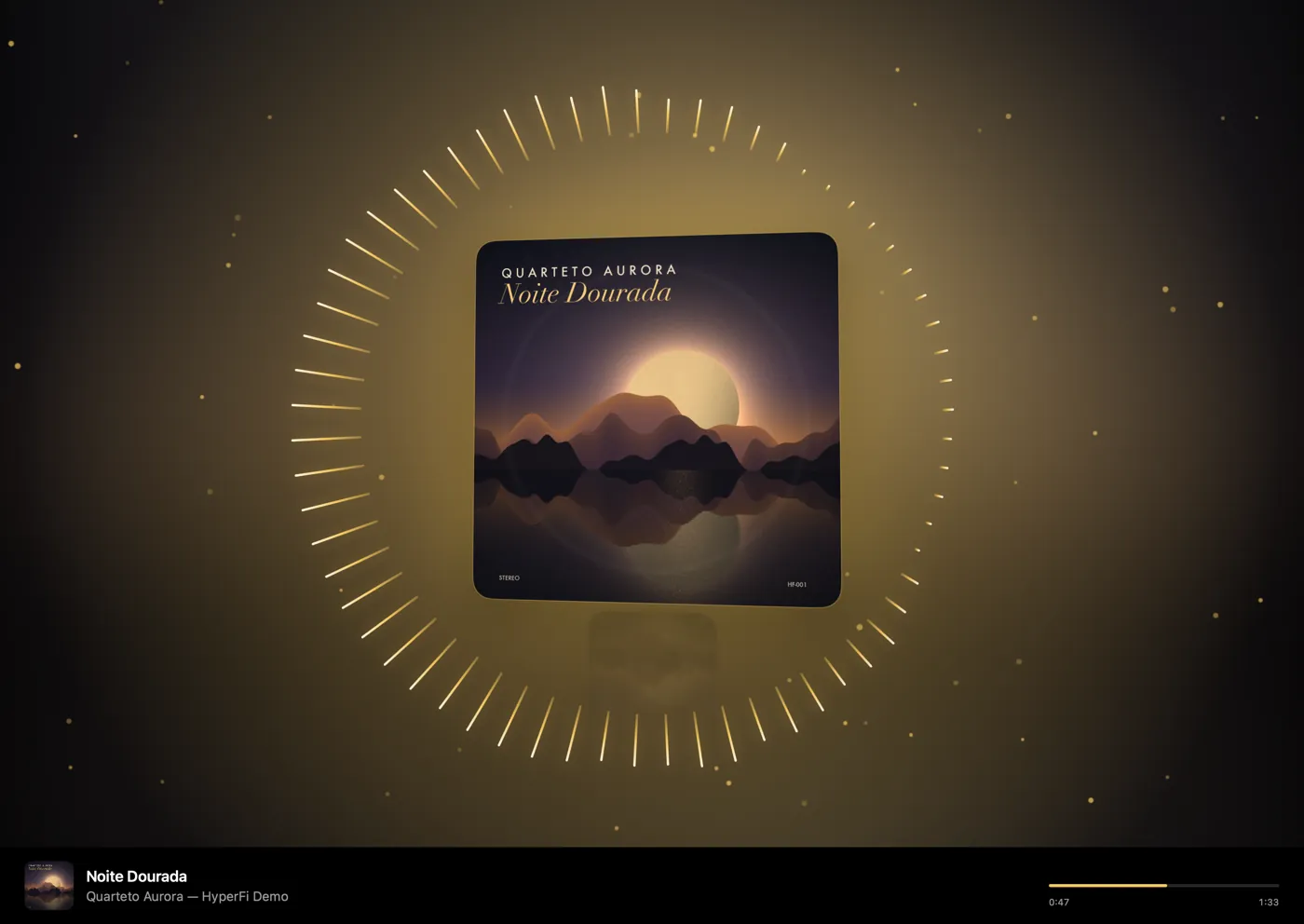
HyperFi Party visualizer
PartyThe cover pulsing to the beat.
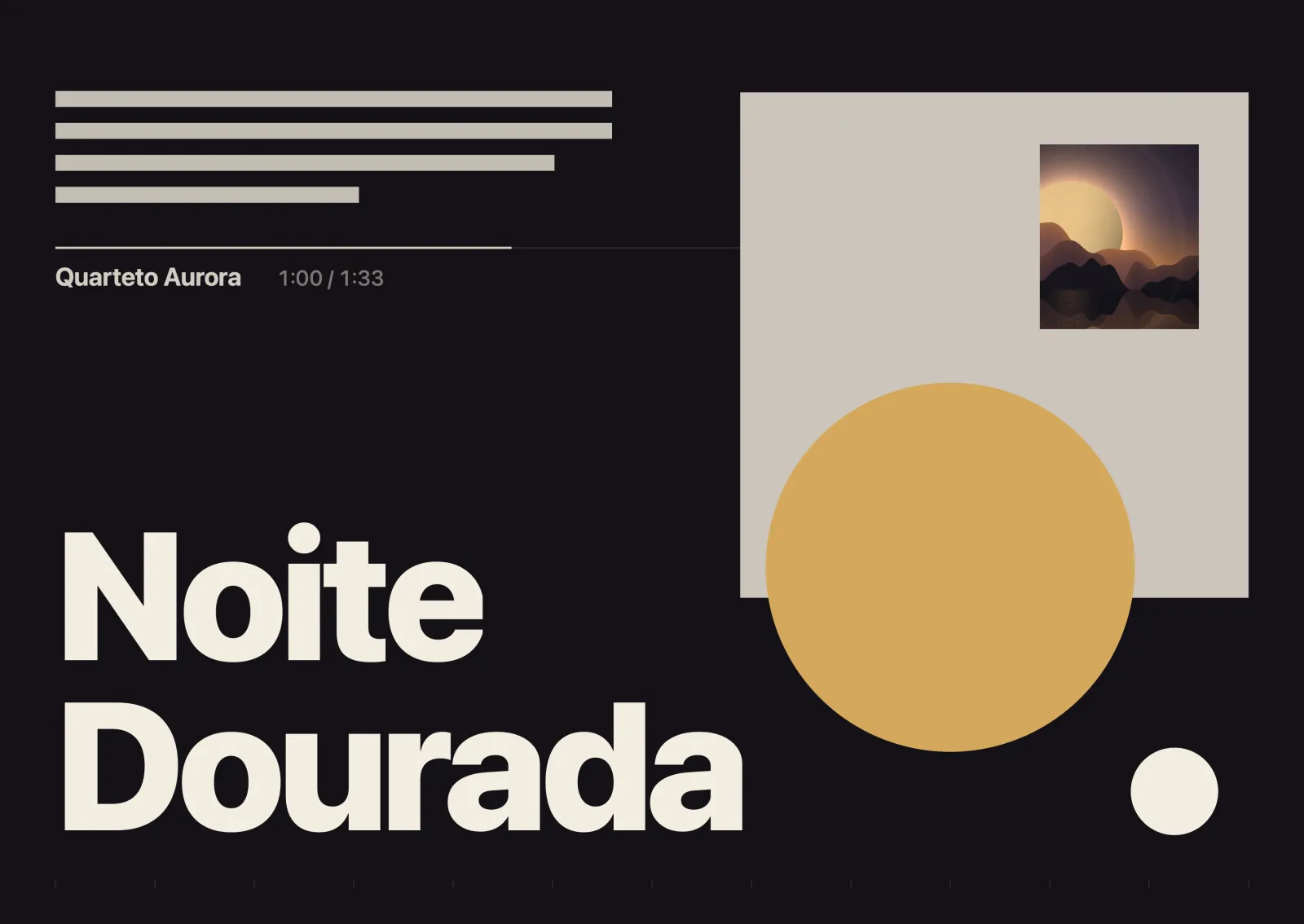
HyperFi Swiss Poster visualizer
Swiss PosterThe cover becomes a typographic poster.
HyperFi Ink Painting visualizer
Ink PaintingGolden brushstrokes on the beat, like calligraphy.
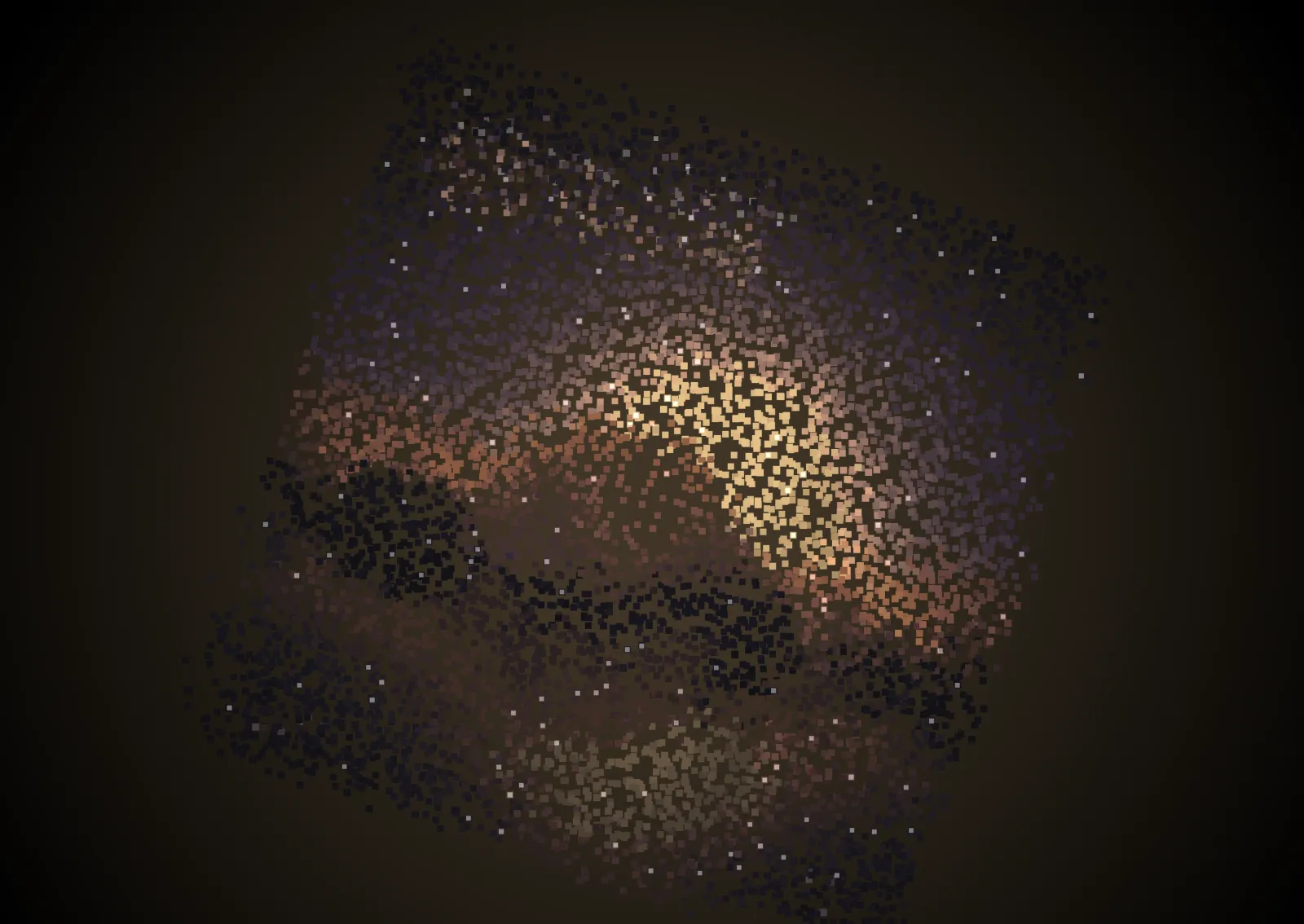
HyperFi Cover Particles visualizer
Cover ParticlesThe cover dissolves into thousands of dots.

Meters

HyperFi Digital visualizer
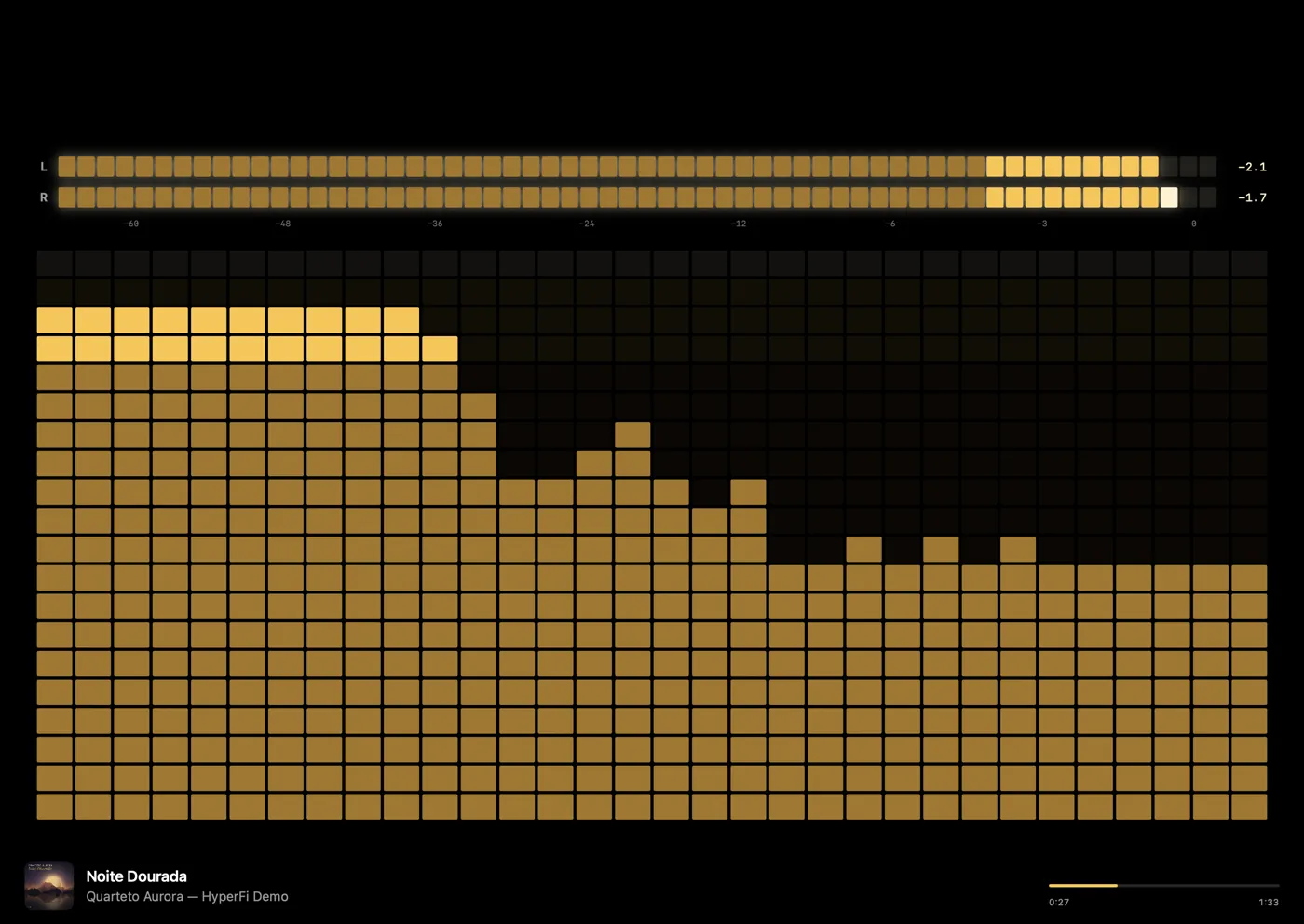
DigitalLED peak meters and a block spectrum.
HyperFi Spectrum visualizer
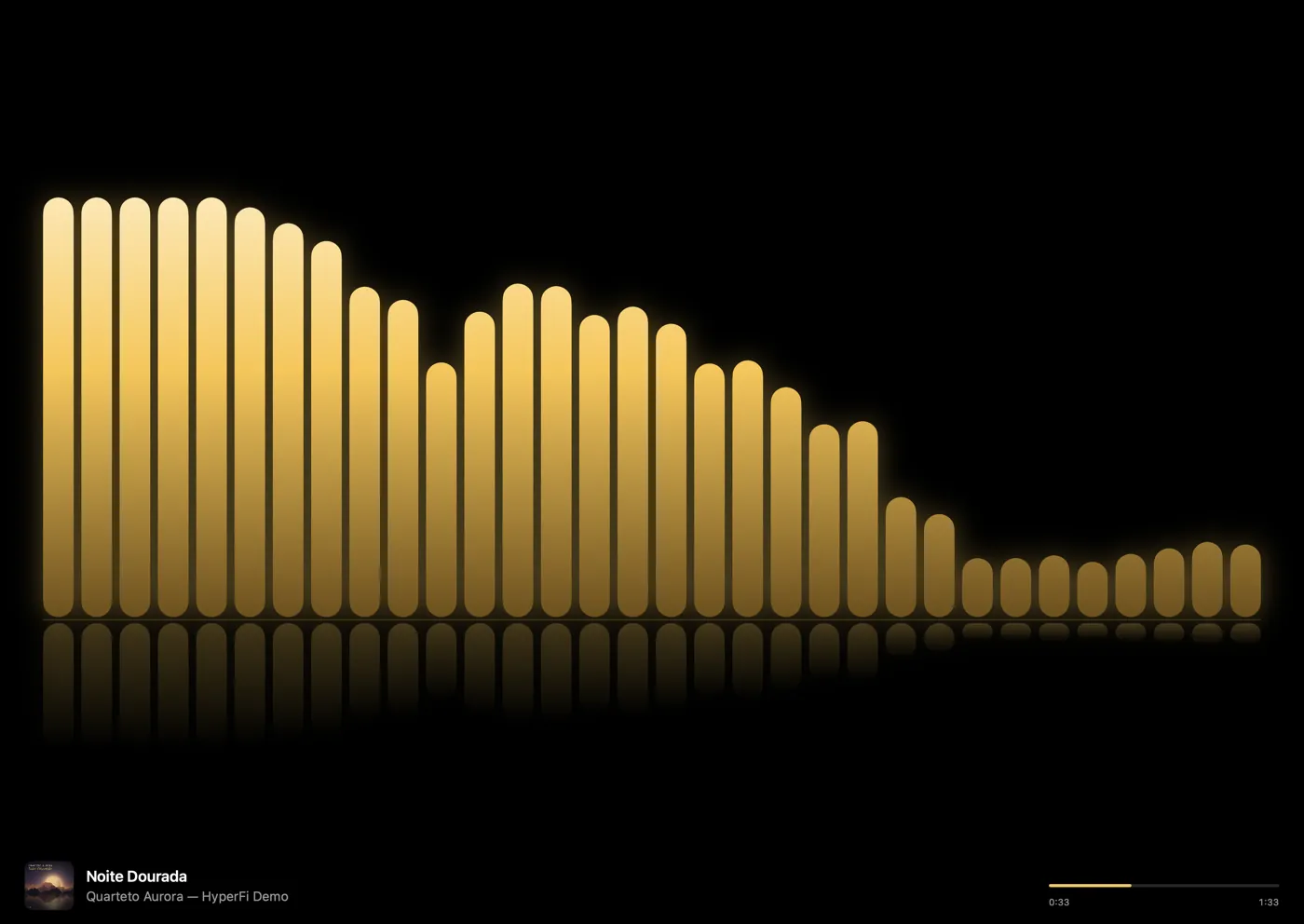
SpectrumThe music's frequencies in real time.
HyperFi Spectrogram visualizer
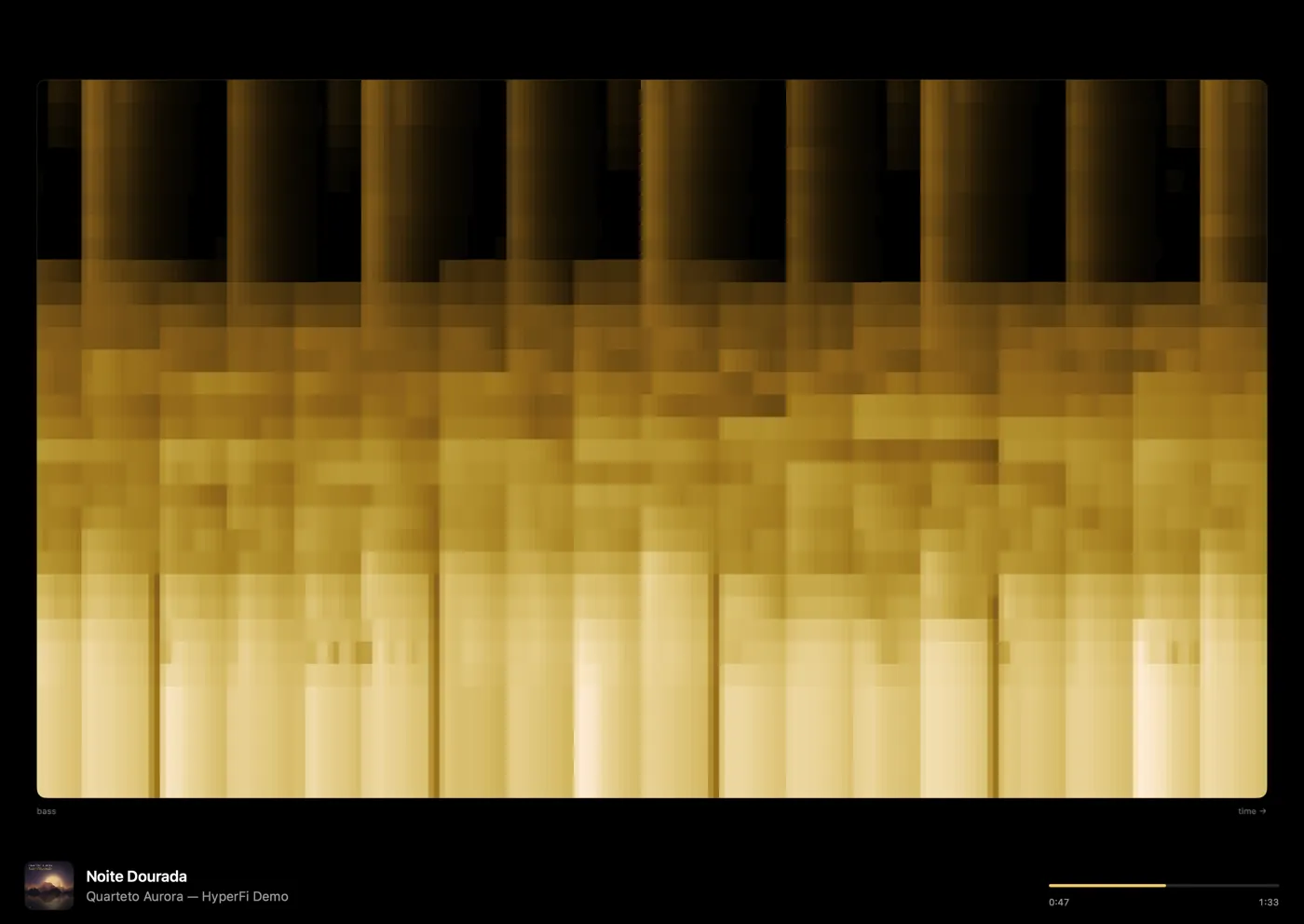
SpectrogramA history of the frequencies: it exposes hidden MP3 cutoffs.
HyperFi Loudness (LUFS) visualizer
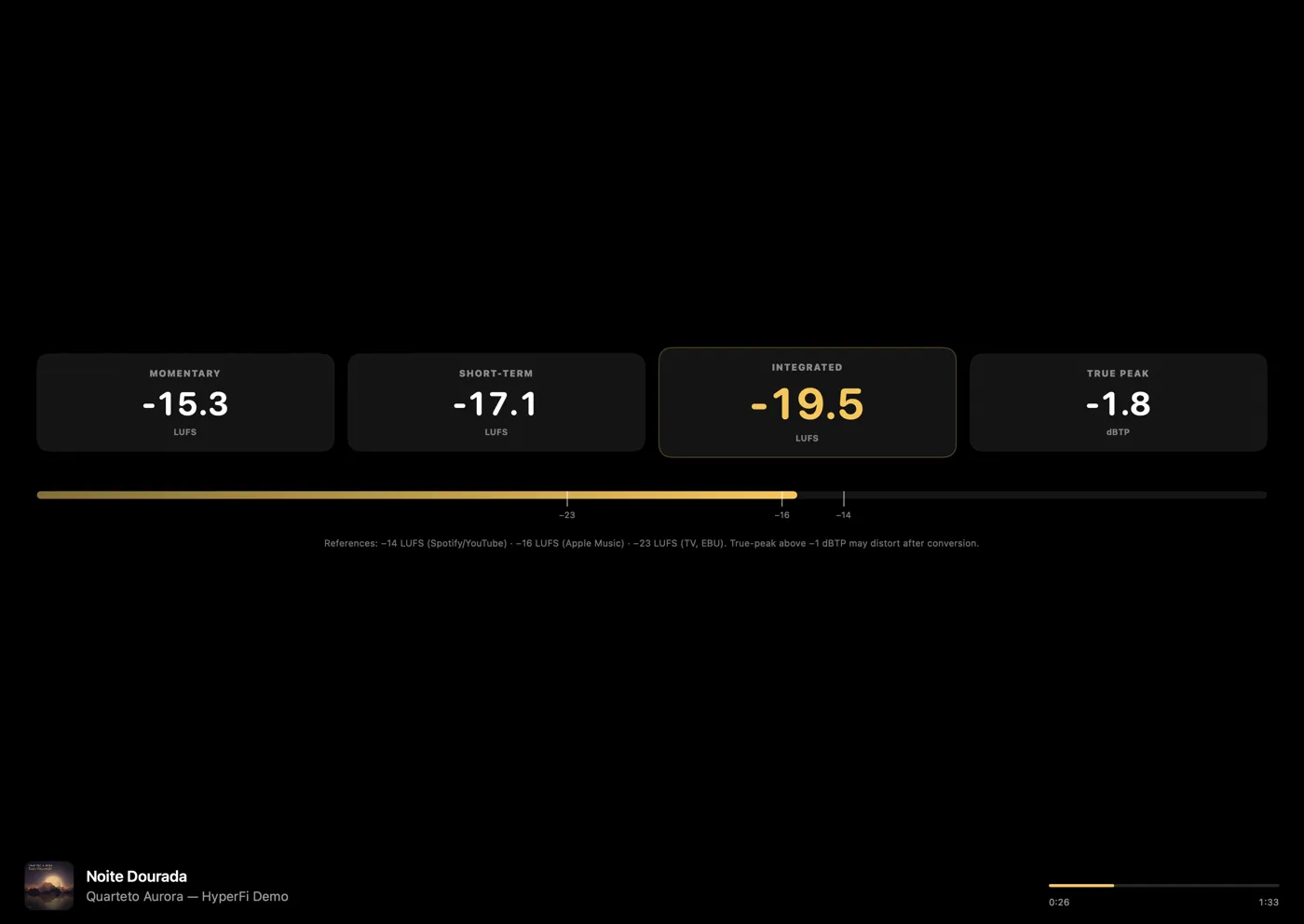
Loudness (LUFS)Momentary, short-term, integrated and true peak.

Analog

HyperFi Vinyl visualizer
VinylThe record spins while the track plays.
HyperFi Luxury Turntable visualizer
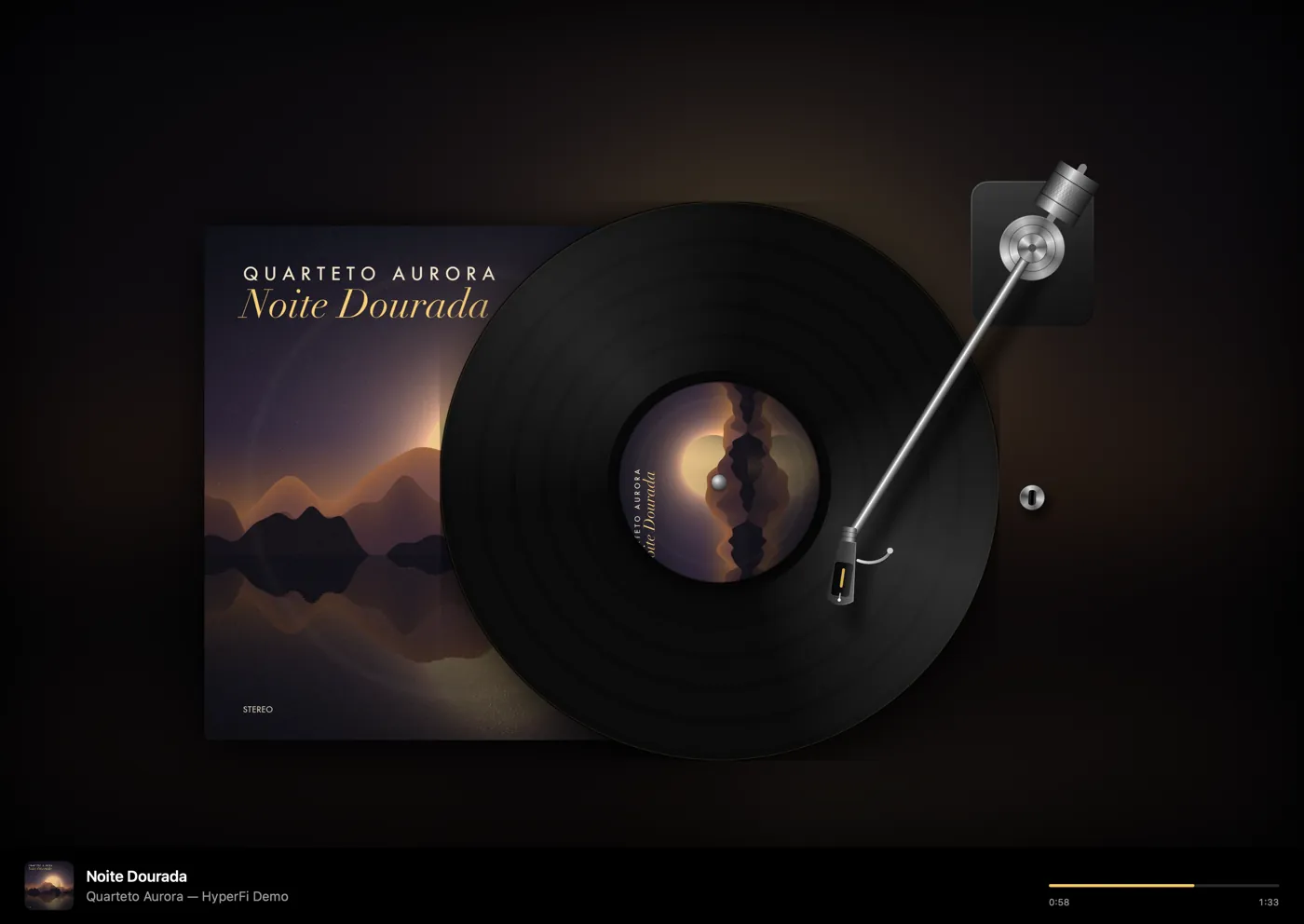
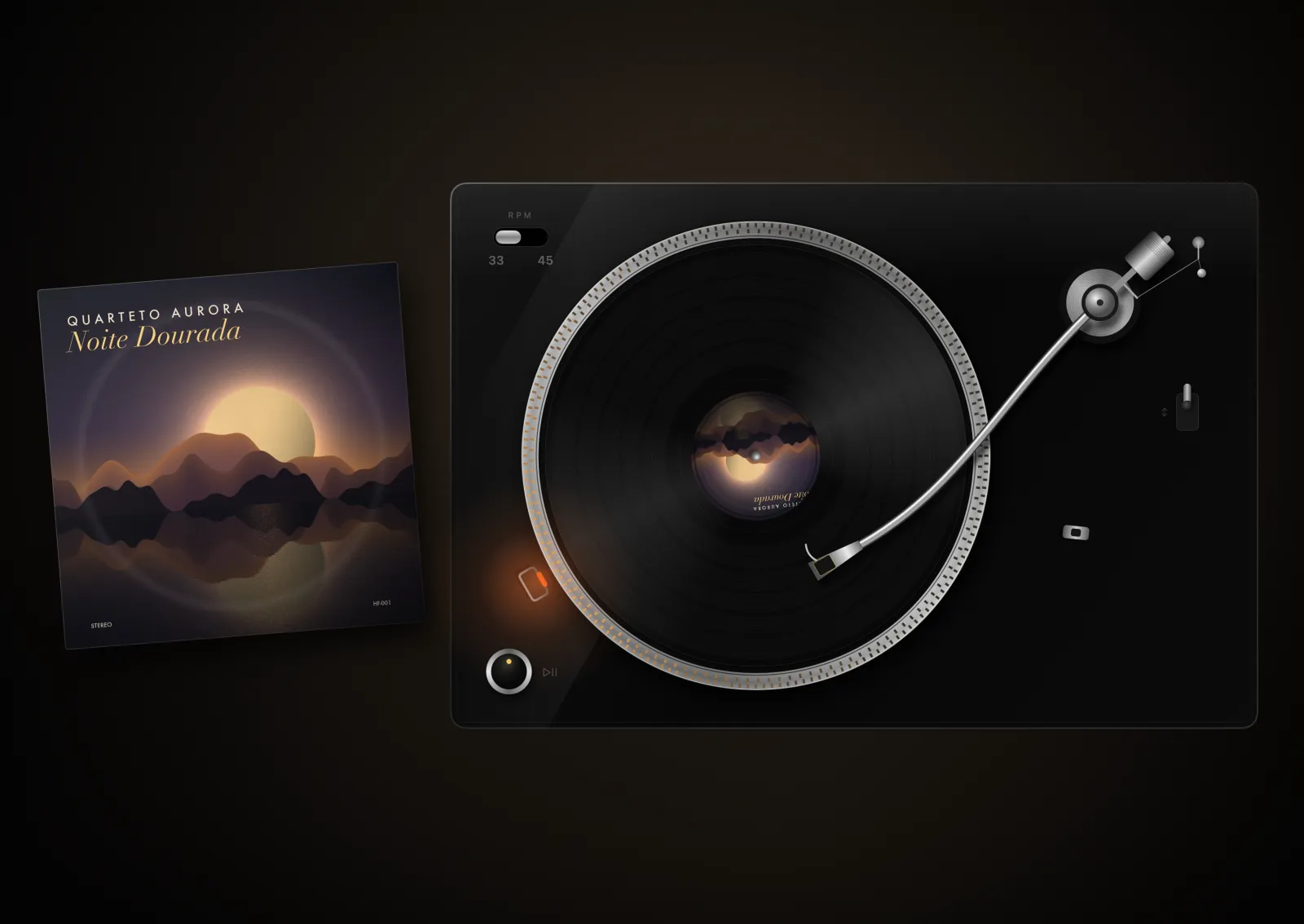
Luxury TurntableSeen from above, with heavy platter and strobe.
HyperFi Jukebox visualizer
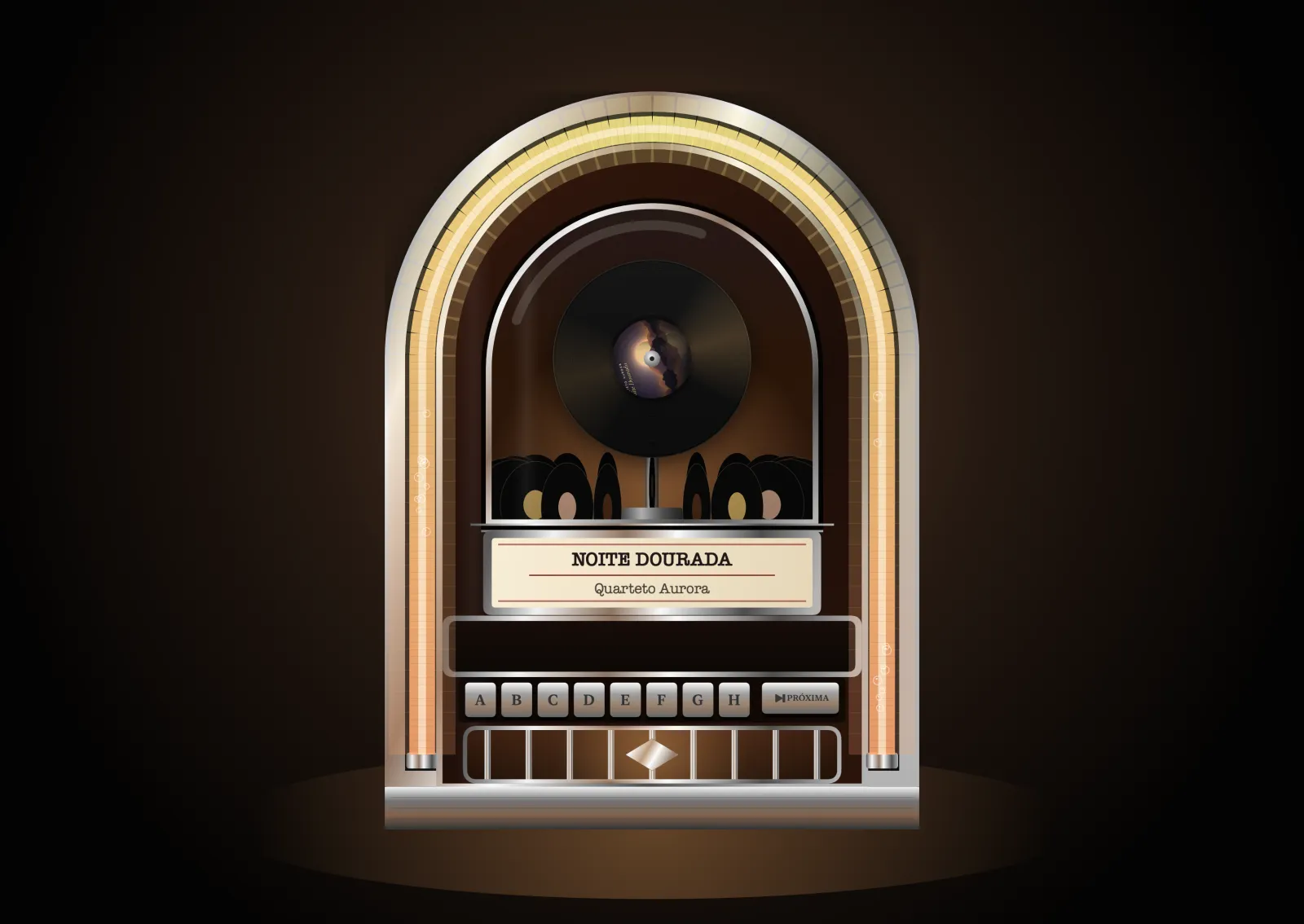
Jukebox1950s, record carousel and chasing lights.
HyperFi Reel-to-Reel visualizer
Reel-to-ReelSpinning reels, head block and VU meters.
HyperFi Tape Deck visualizer
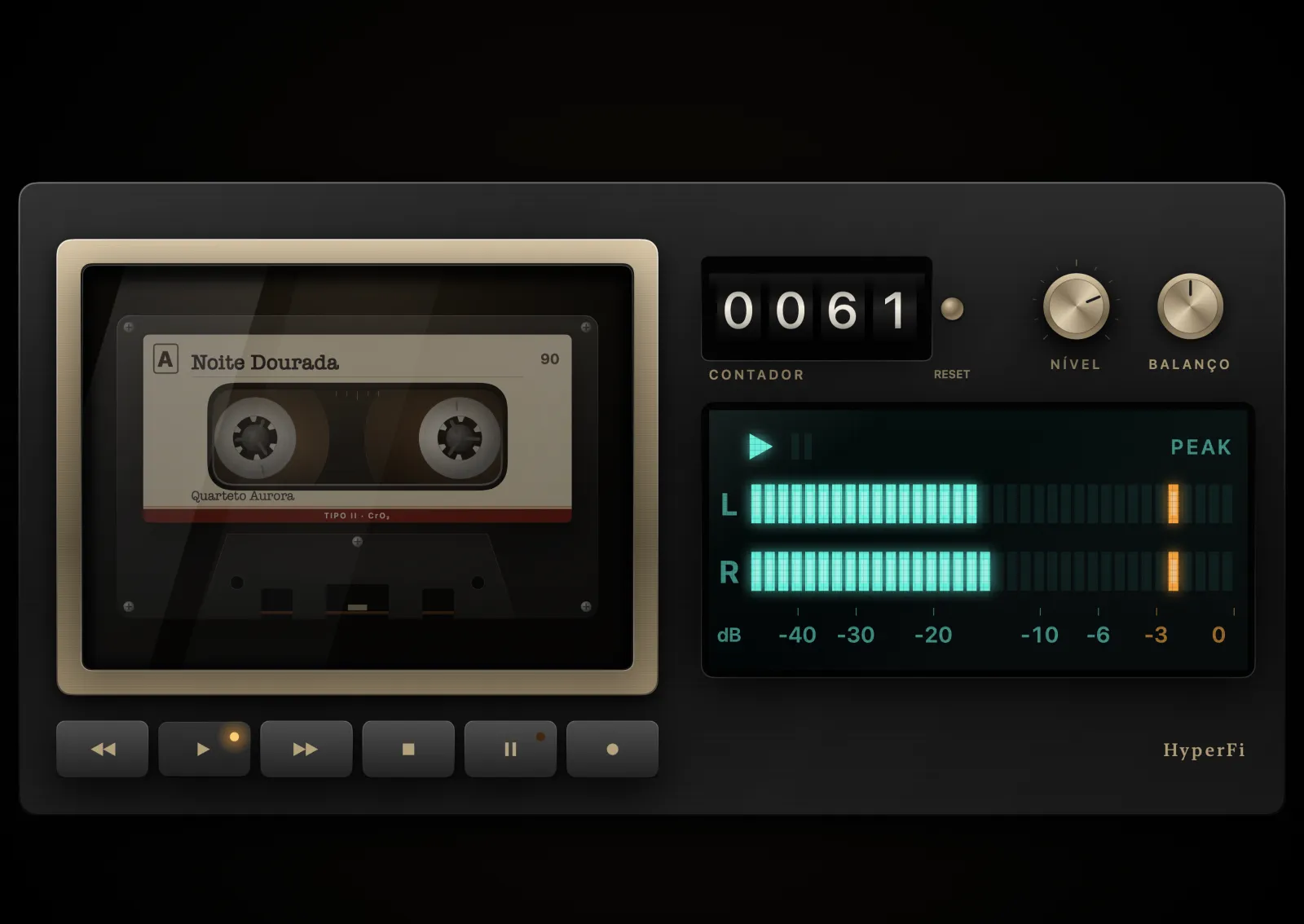
Tape DeckThe cassette through the window, with mechanical counter.
HyperFi Tube Radio visualizer
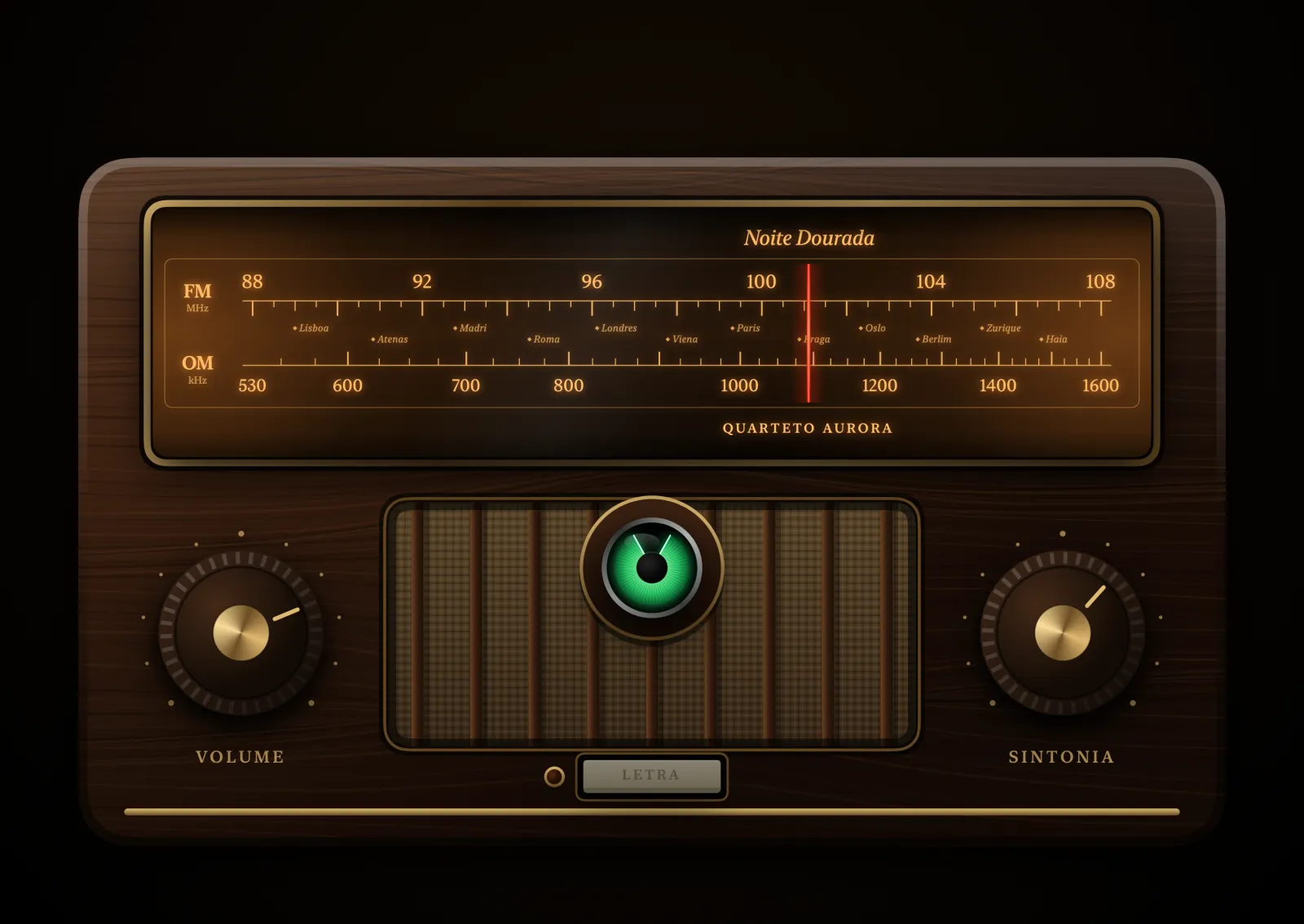
Tube RadioIlluminated glass dial and magic eye.
HyperFi Tube Amplifier visualizer
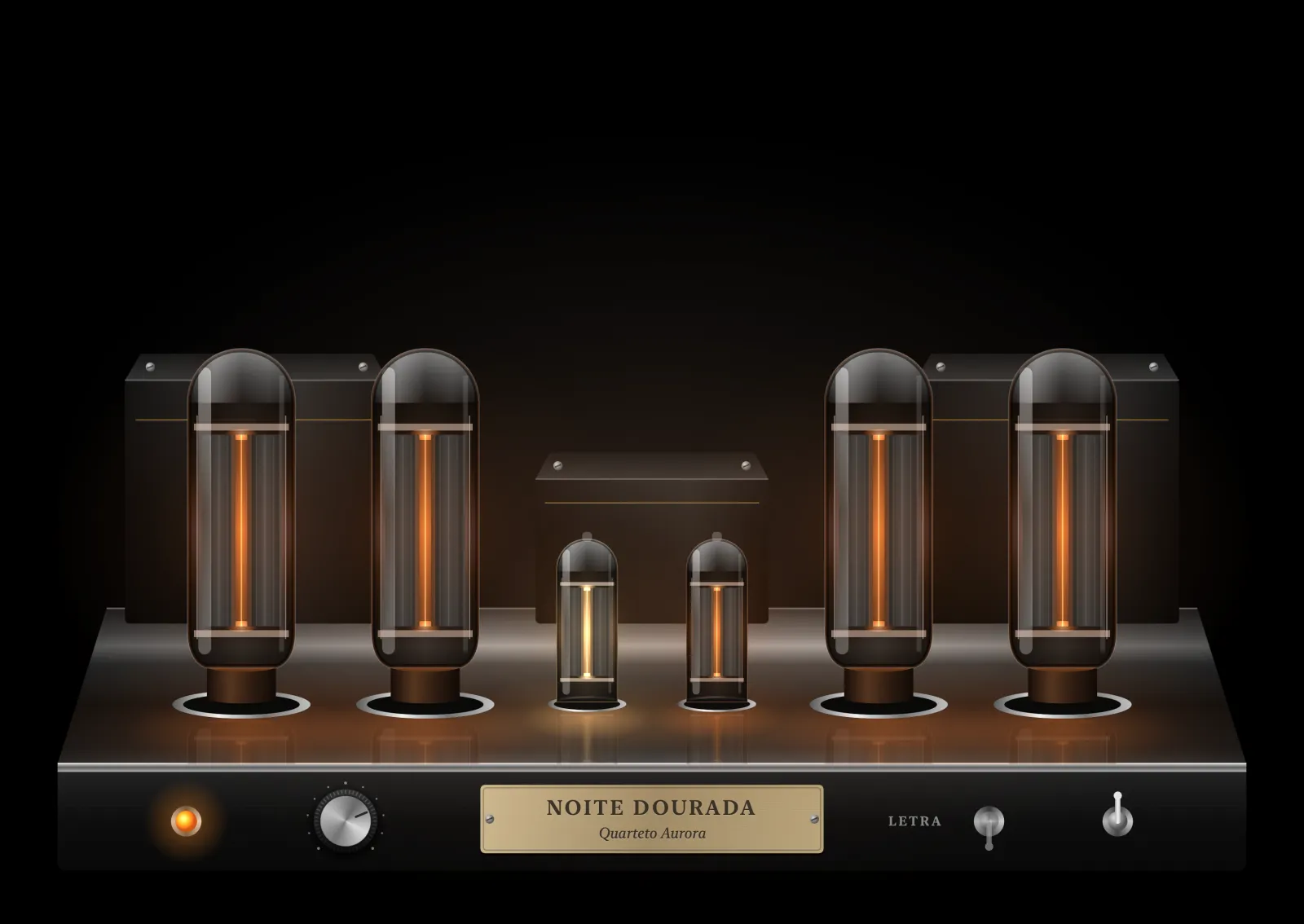
Tube AmplifierGlowing tubes that flare on the peaks.
HyperFi Blue Panel visualizer
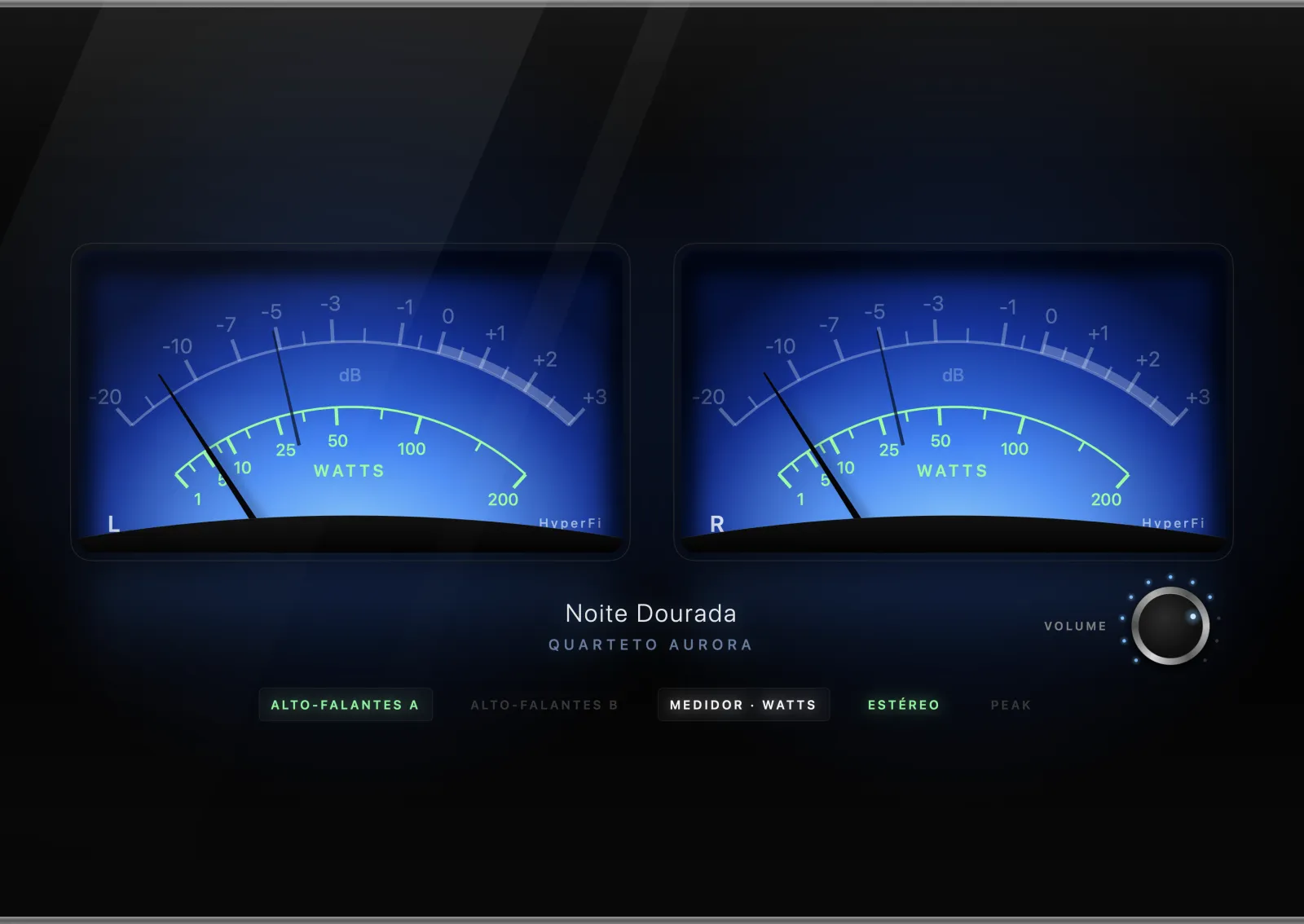
Blue PanelLarge meters with a backlit blue face.
HyperFi Needle Analyzer visualizer
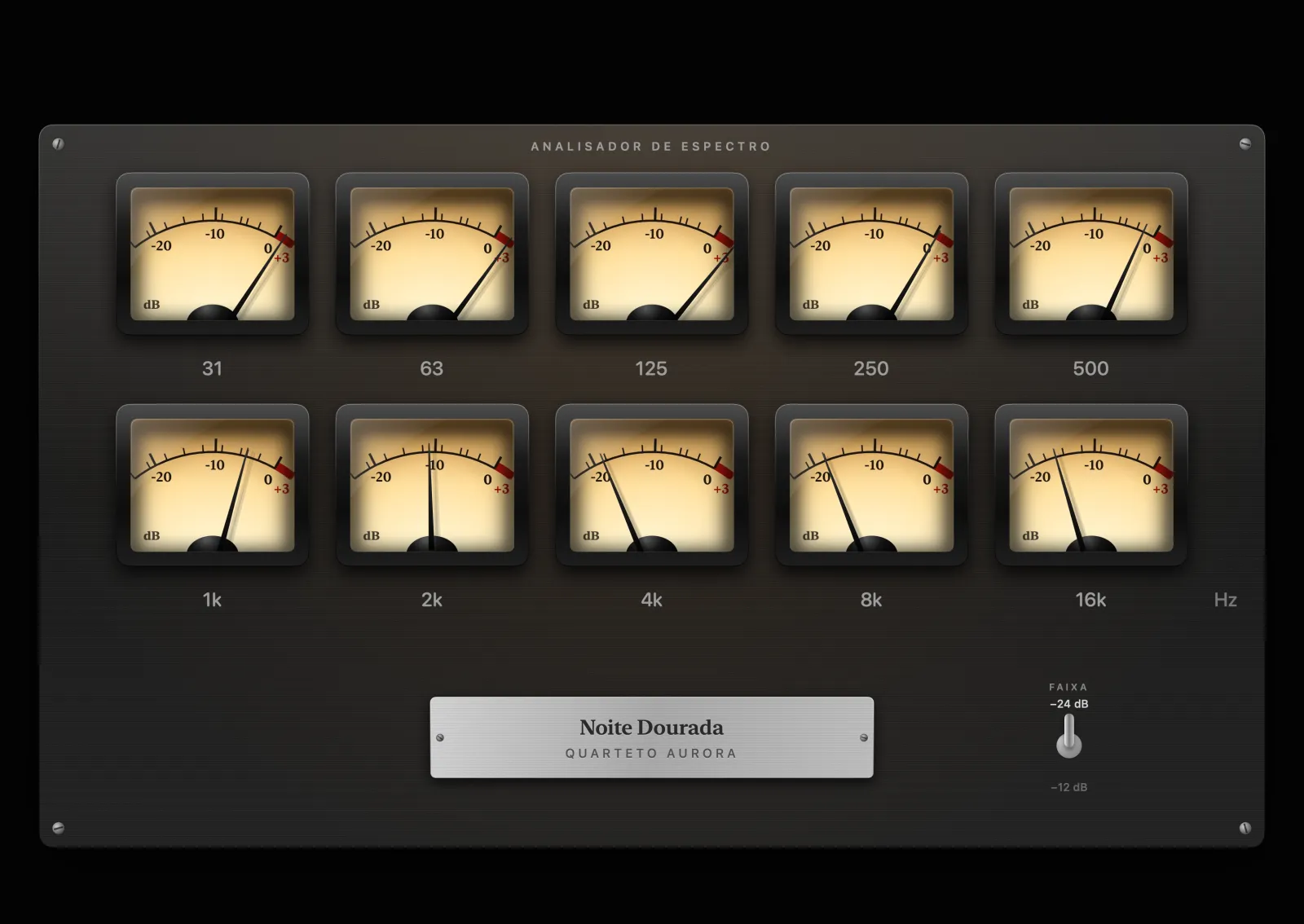
Needle AnalyzerOne needle per frequency band.
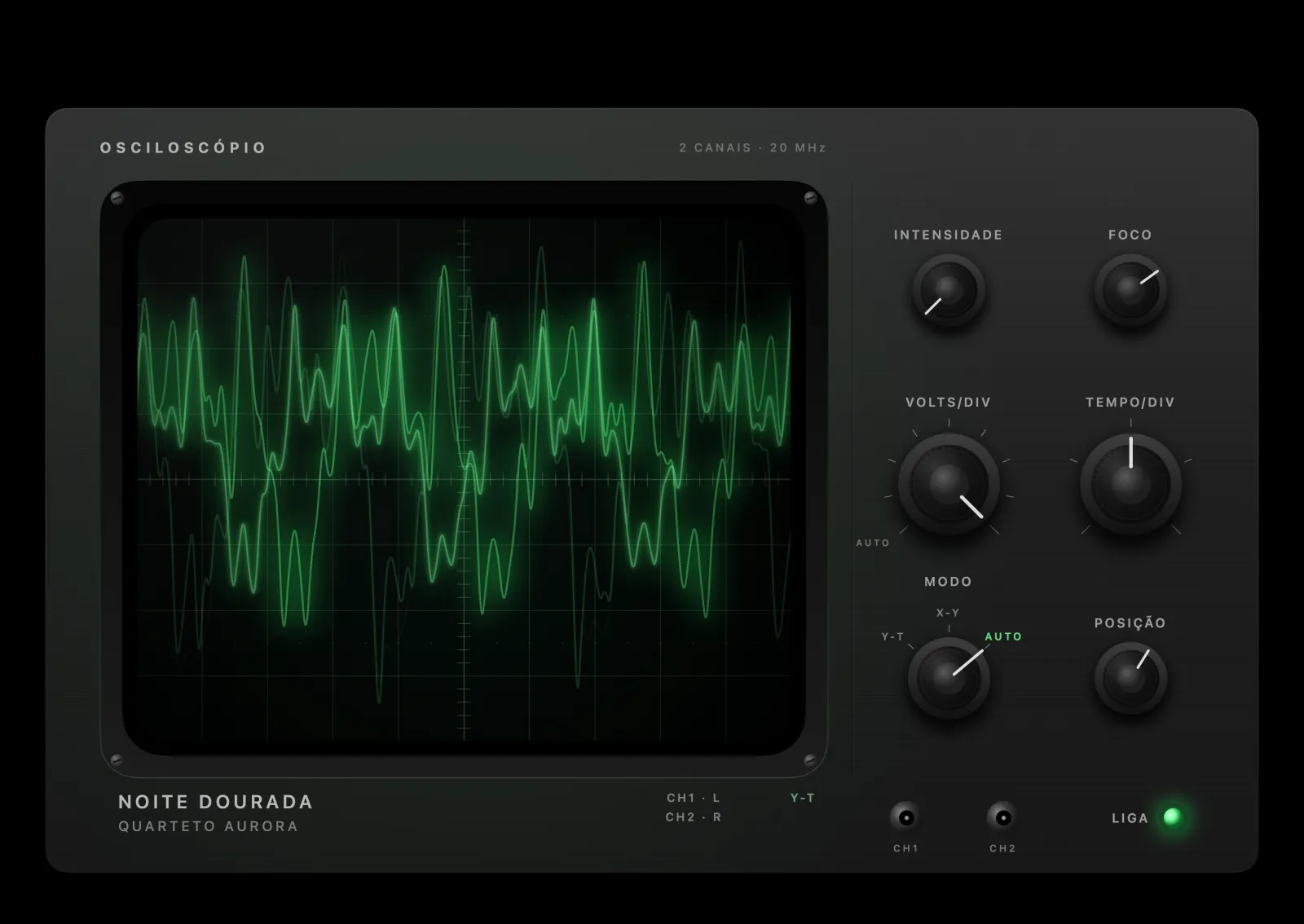
HyperFi Oscilloscope visualizer
OscilloscopeMusic on a green phosphor screen.
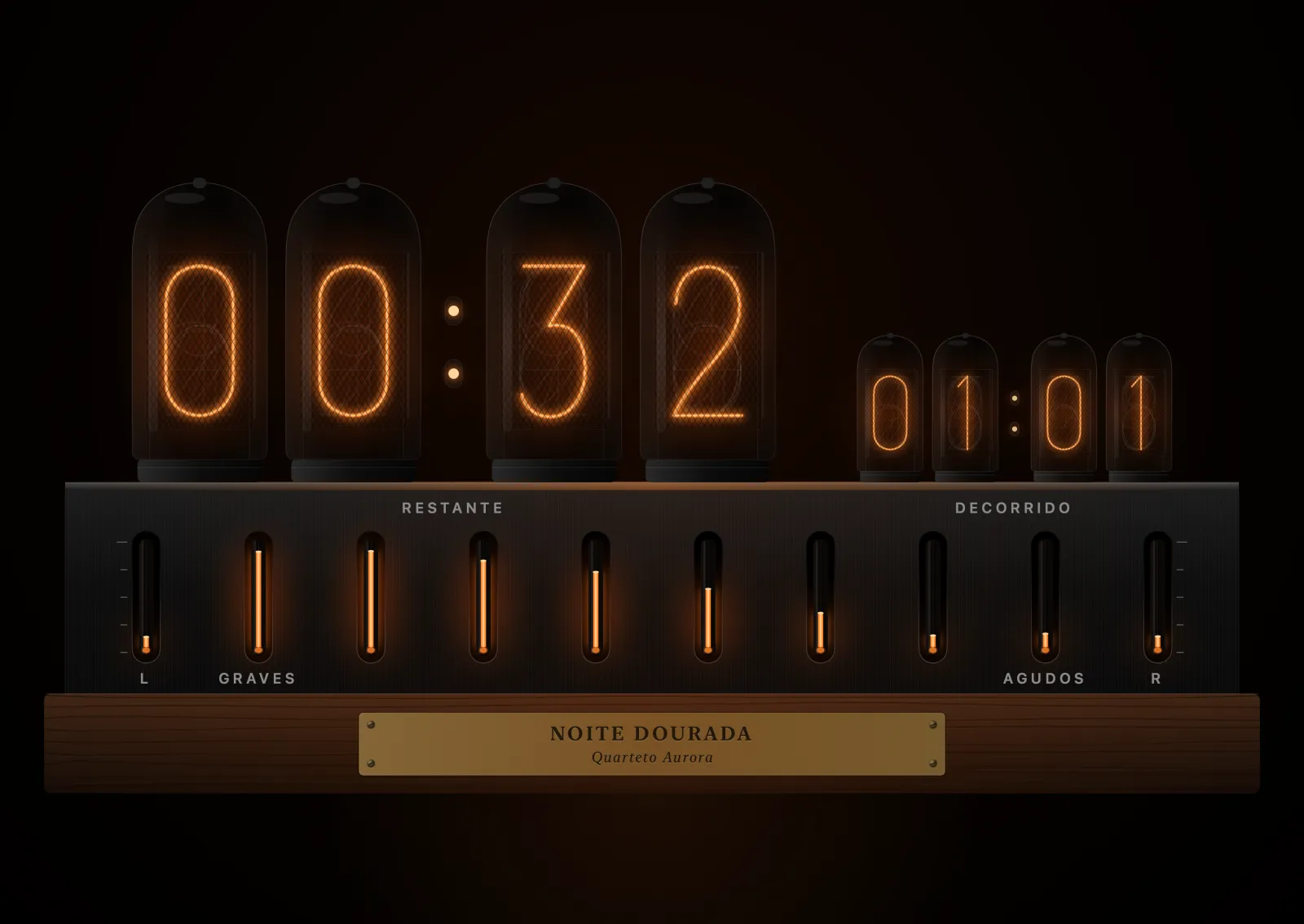
HyperFi Nixie visualizer
NixieThe track time in neon tubes.

Clocks

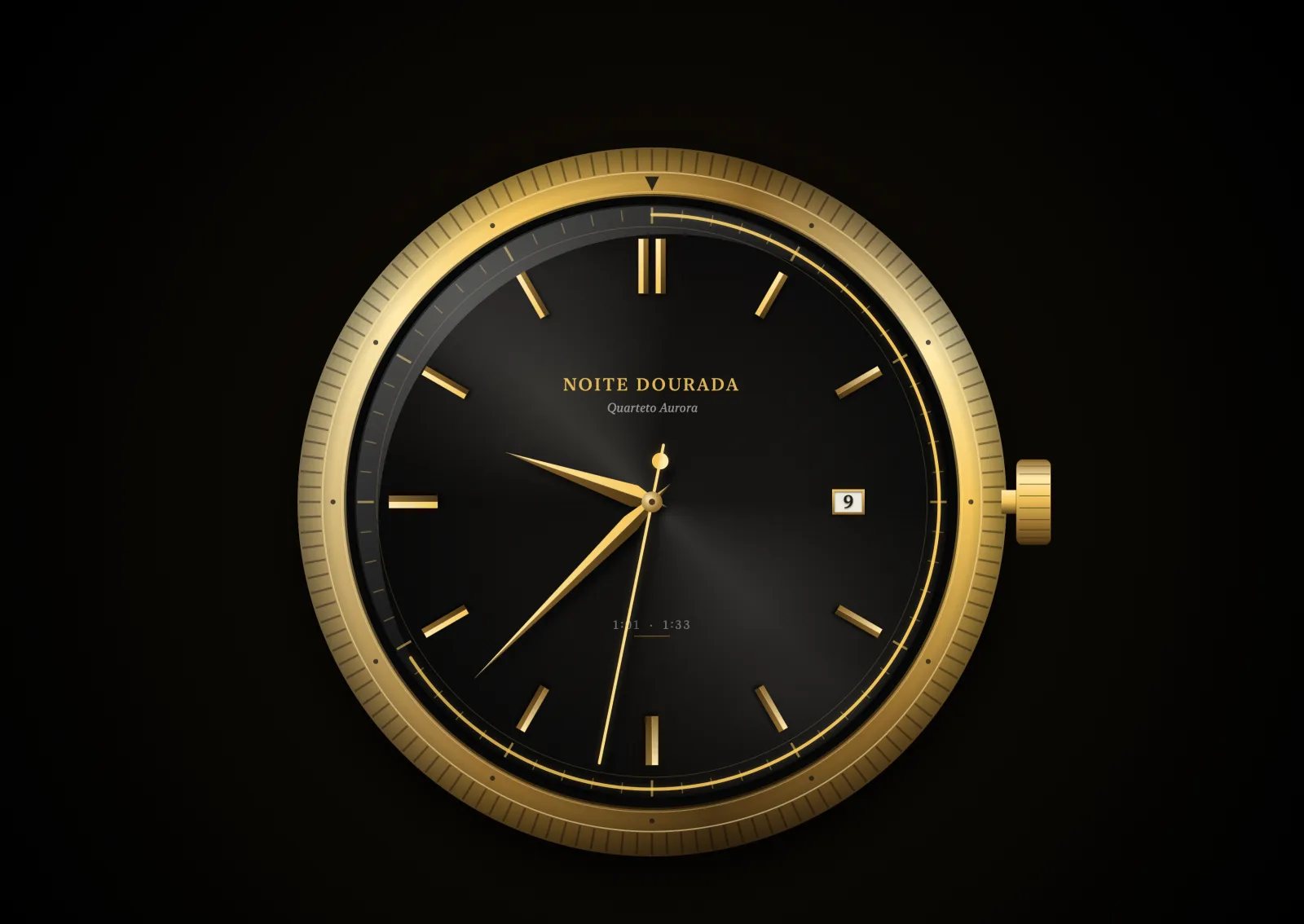
HyperFi Classic Watch visualizer
Classic WatchGolden dial with slender hands.
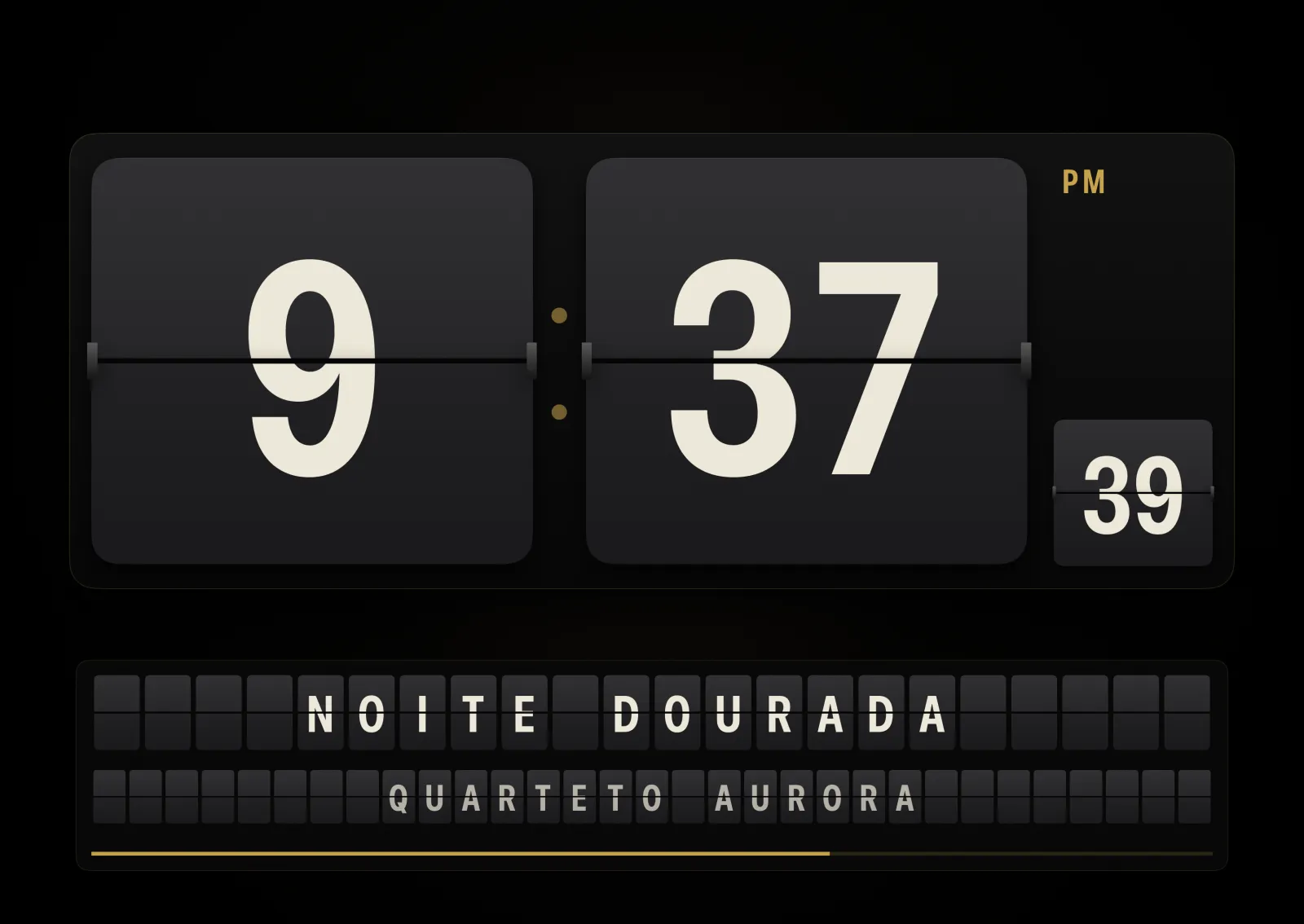
HyperFi Flip Clock visualizer
Flip ClockFlipping number cards, 1970s style.
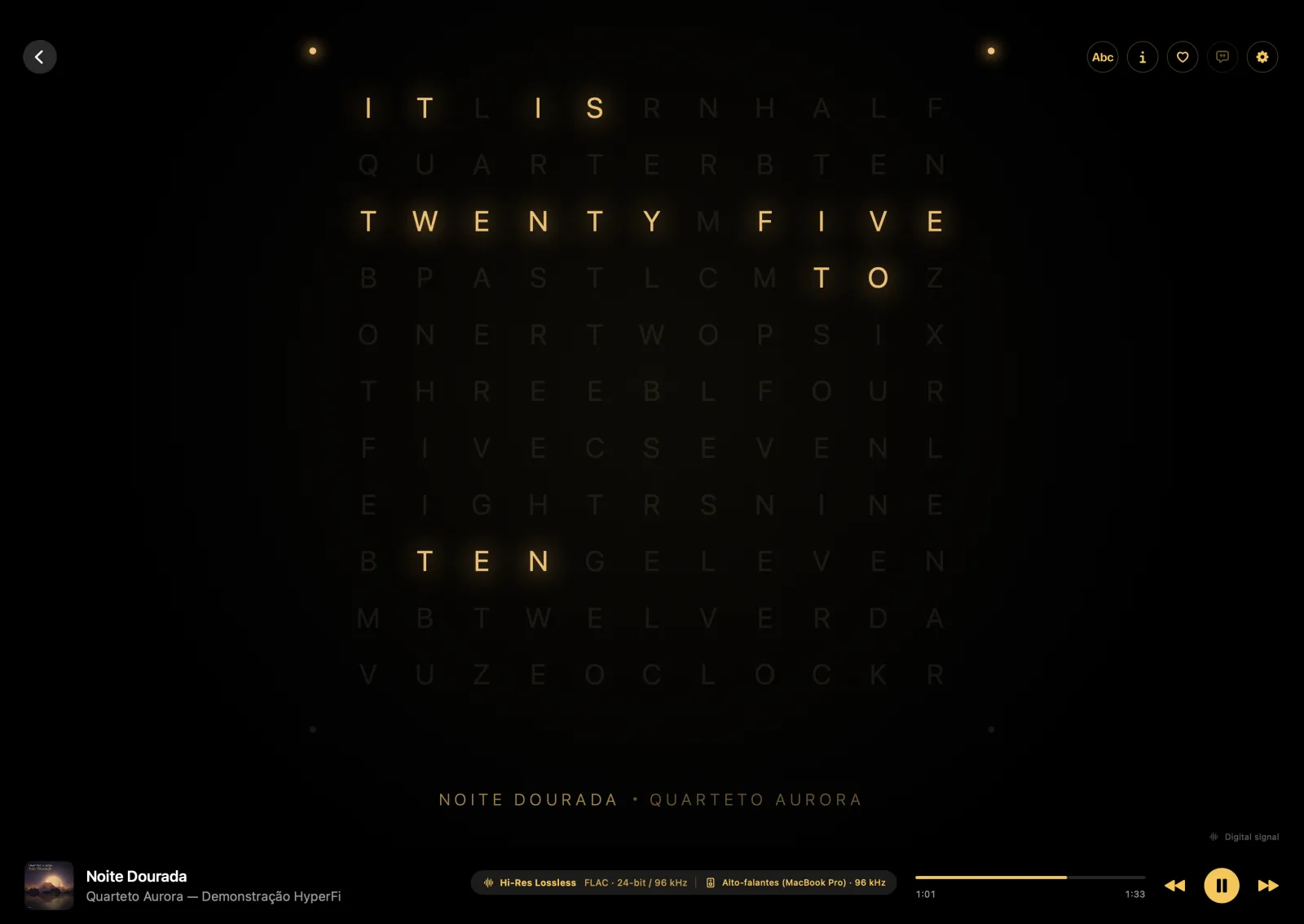
HyperFi Word Clock visualizer
Word ClockThe time spelled out in a grid of letters.
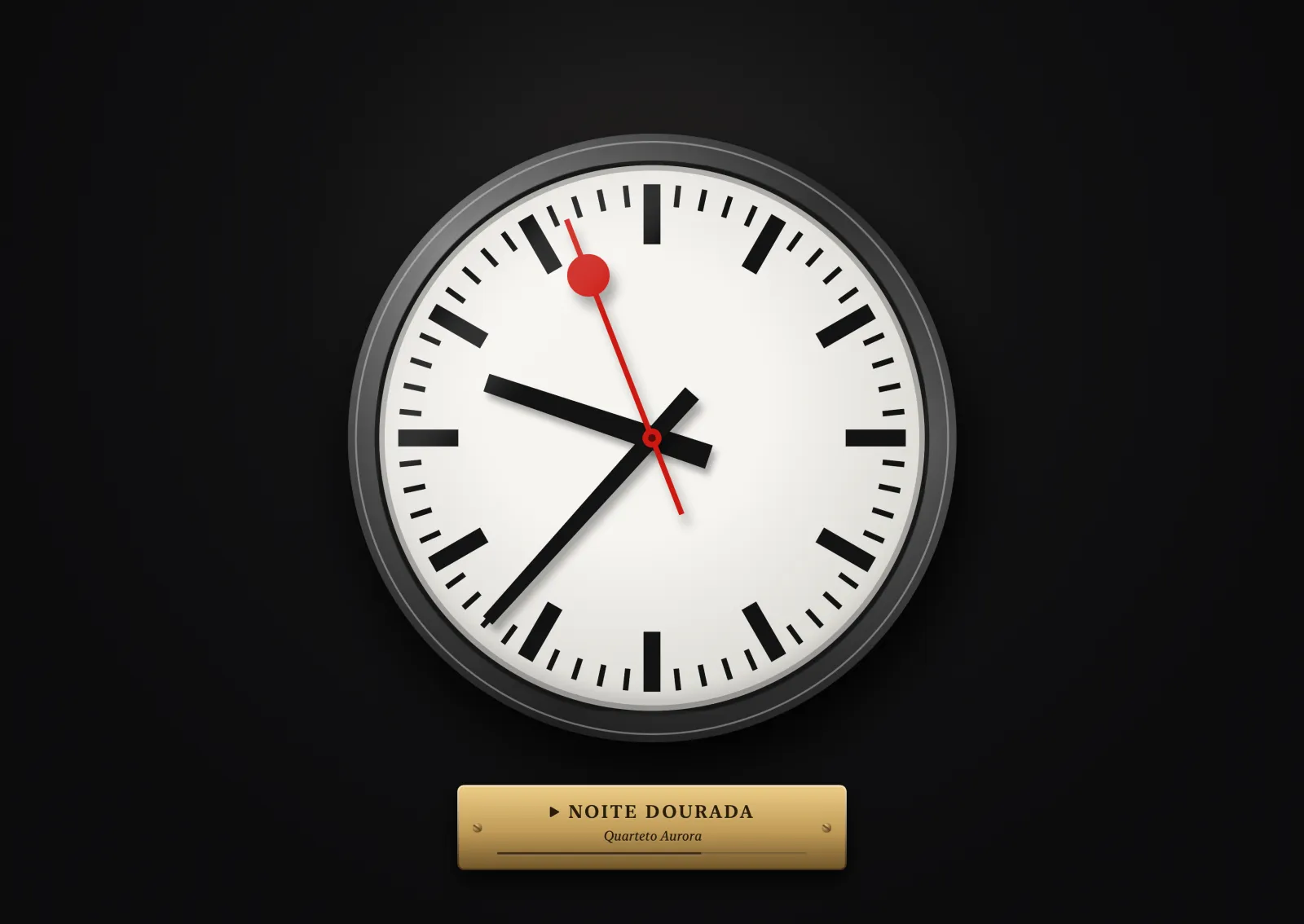
HyperFi Station Clock visualizer
Station ClockThe railway station clock, with a red seconds hand.
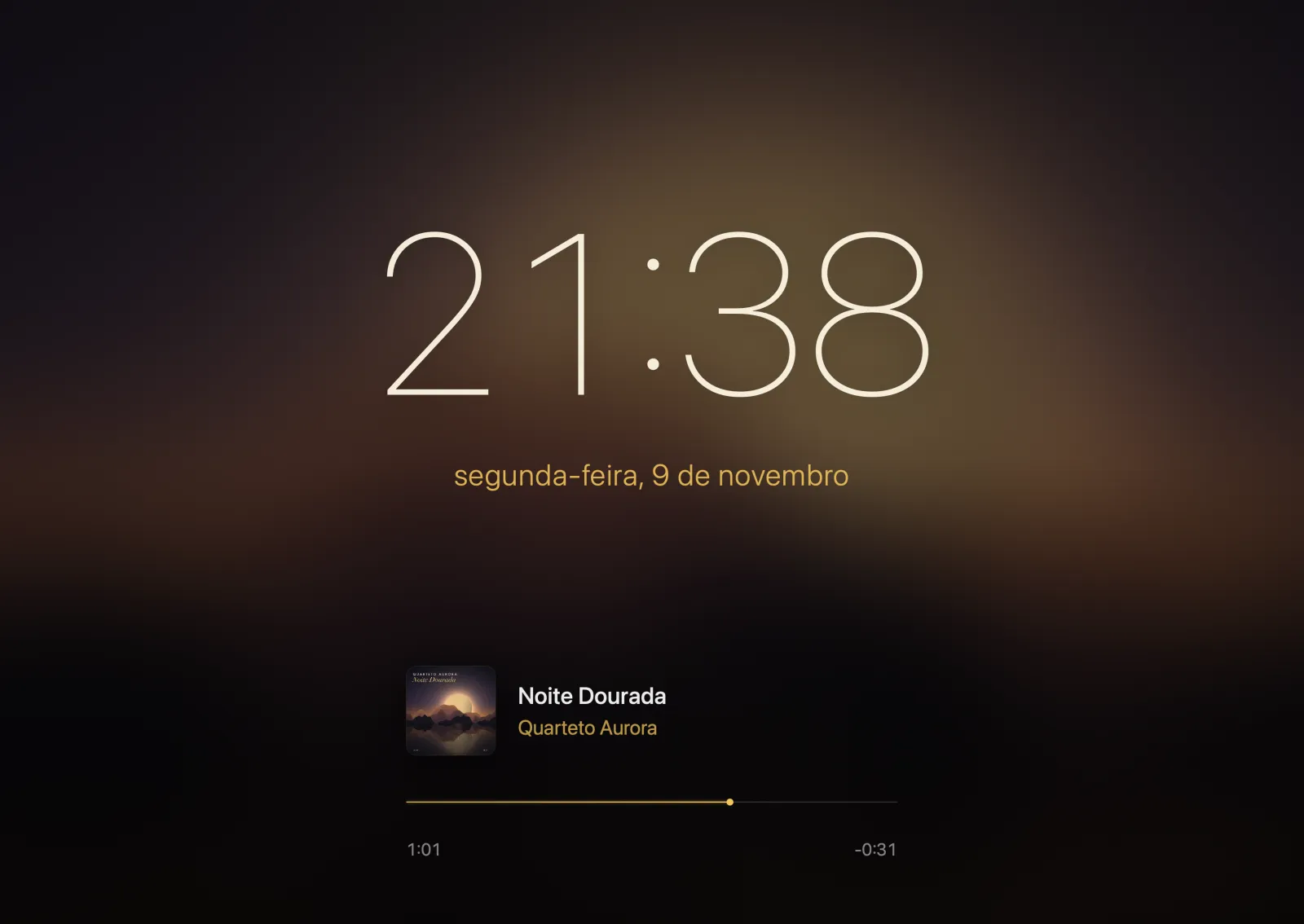
HyperFi Time over Cover visualizer
Time over CoverLarge, thin time over the blurred cover.

Ambience & studio

HyperFi Fireplace visualizer
FireplaceFire that grows with the music.
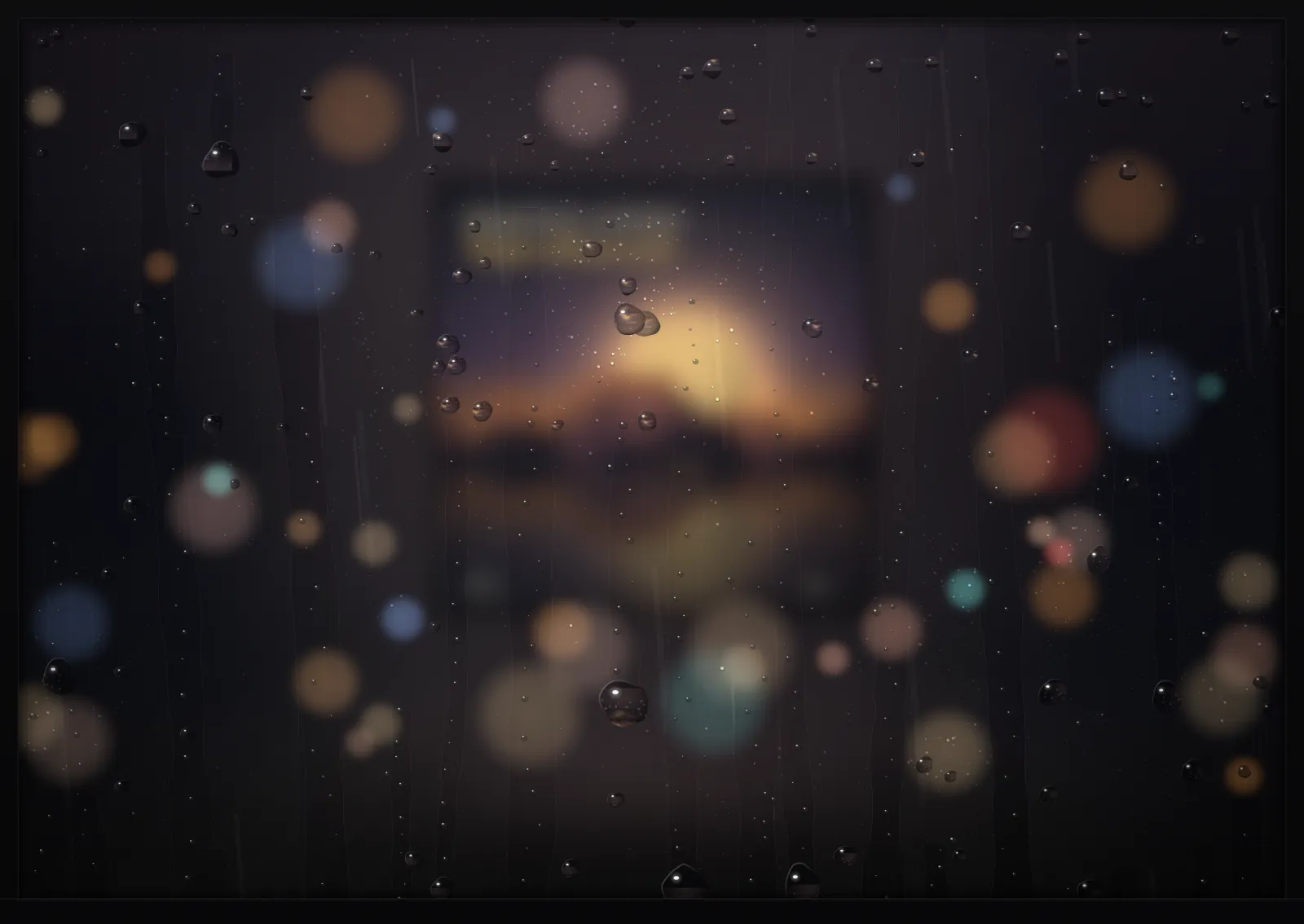
HyperFi Rainy Window visualizer
Rainy WindowThe cover behind wet glass.
HyperFi Night Sky visualizer
Night SkyStars that light up with the notes.
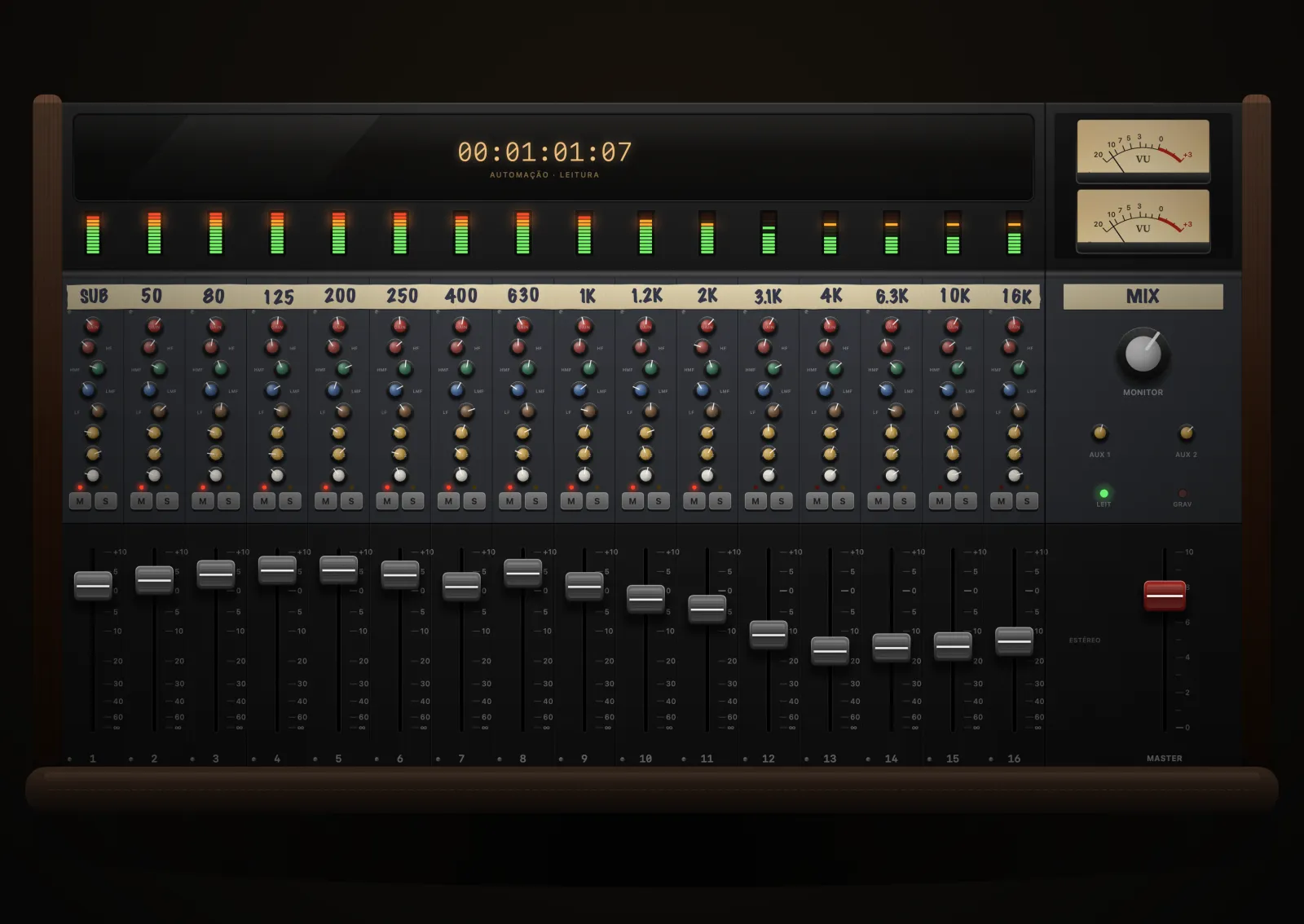
HyperFi Mixing Console visualizer
Mixing ConsoleMotorized faders per frequency band.
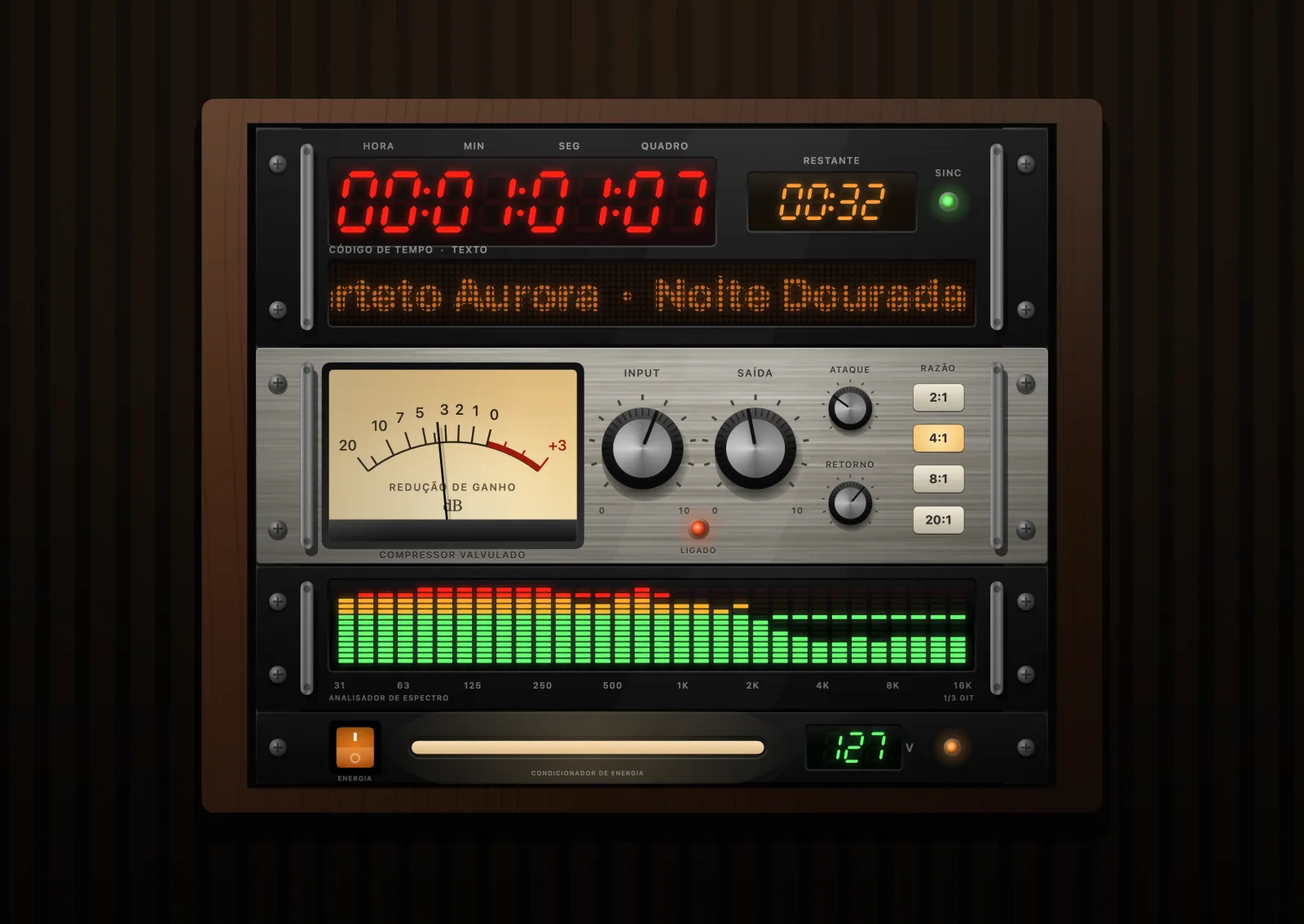
HyperFi Studio Rack visualizer
Studio RackStudio gear stacked in a rack.

Audiophile

With files and NAS, they measure the real signal. With streaming, the measurement is simulated and the app says so on screen.

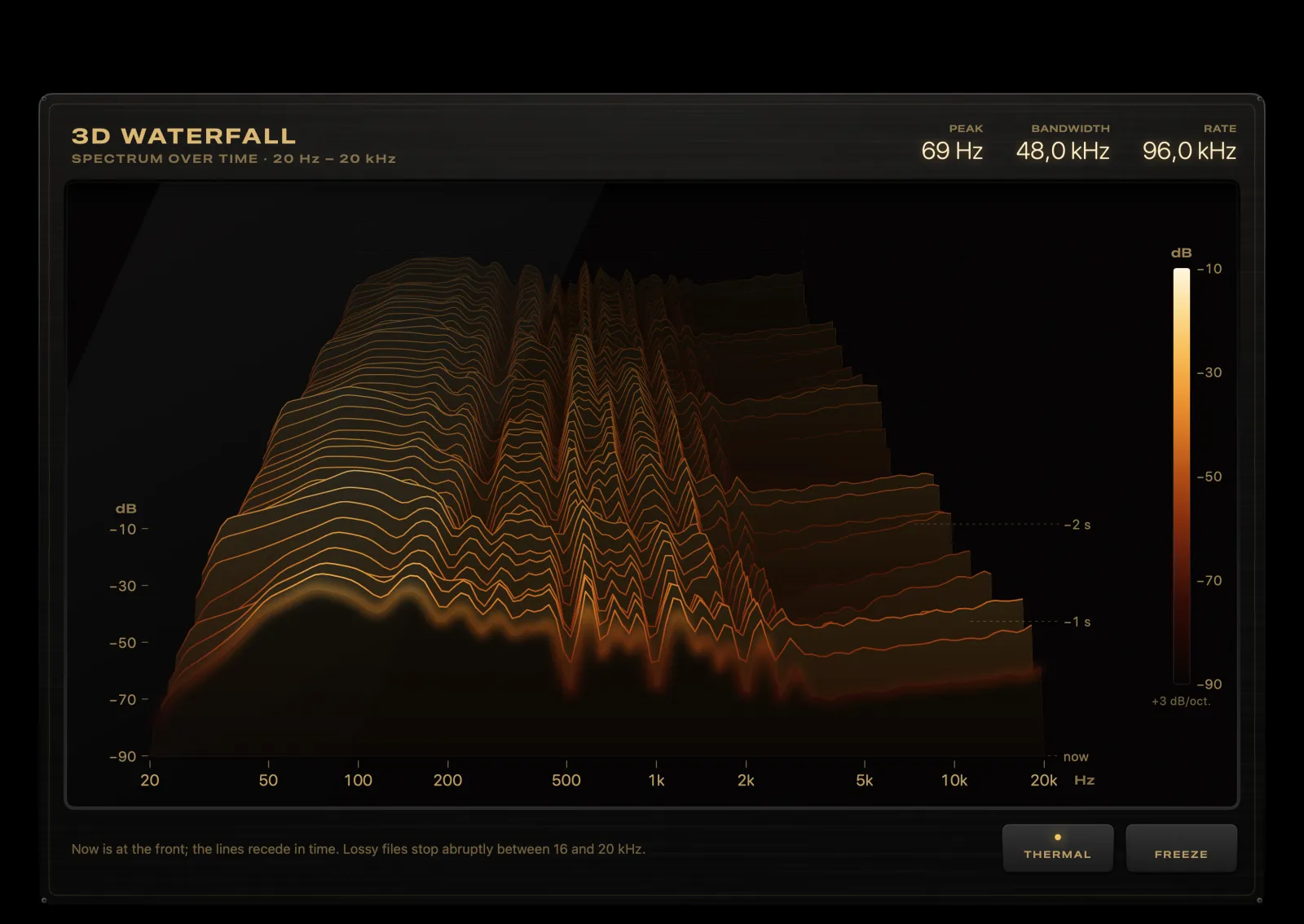
HyperFi 3D Waterfall visualizer
3D WaterfallThe spectrum in perspective over time.
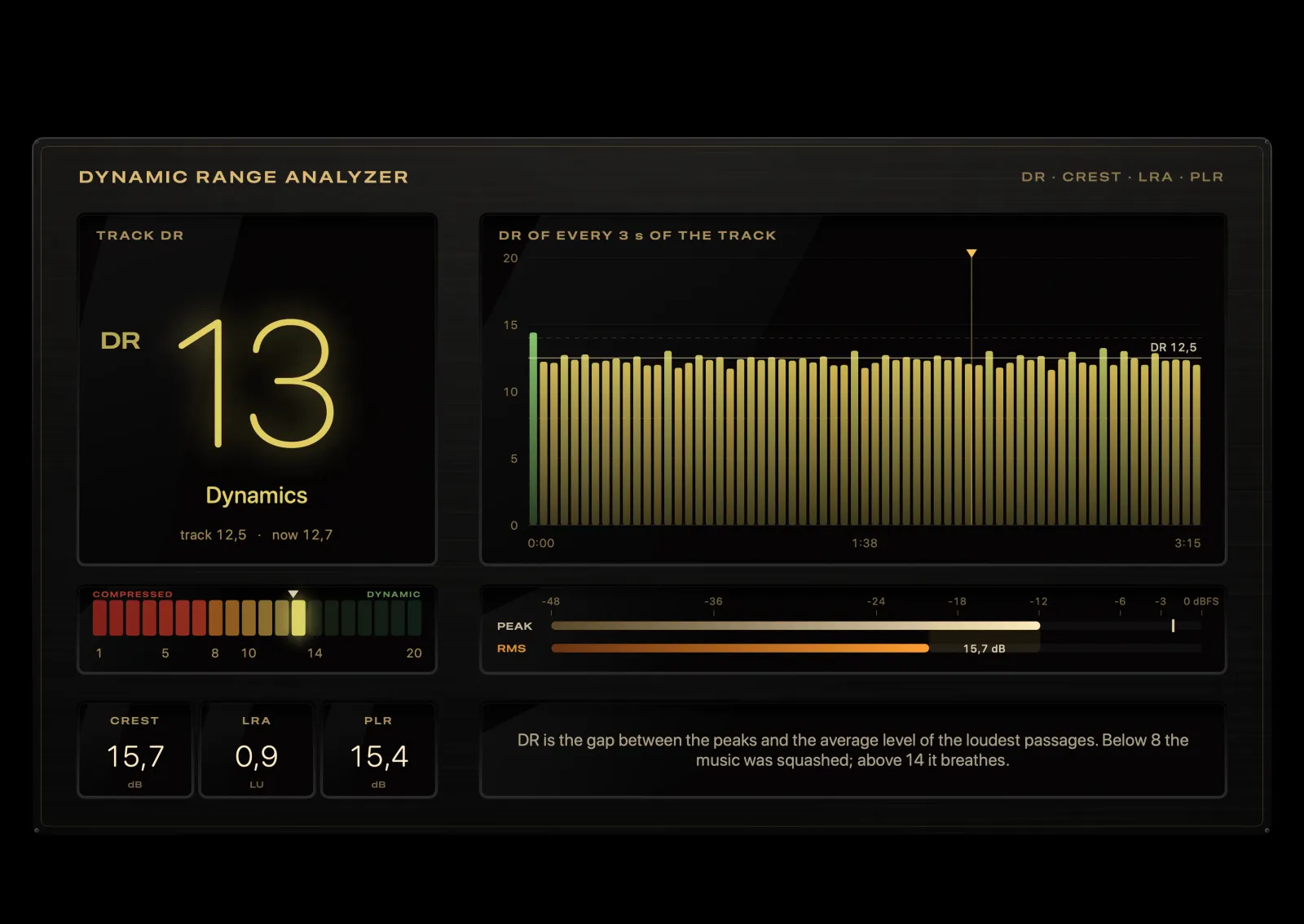
HyperFi Dynamic Range visualizer
Dynamic RangeDR score, crest factor and loudness range.
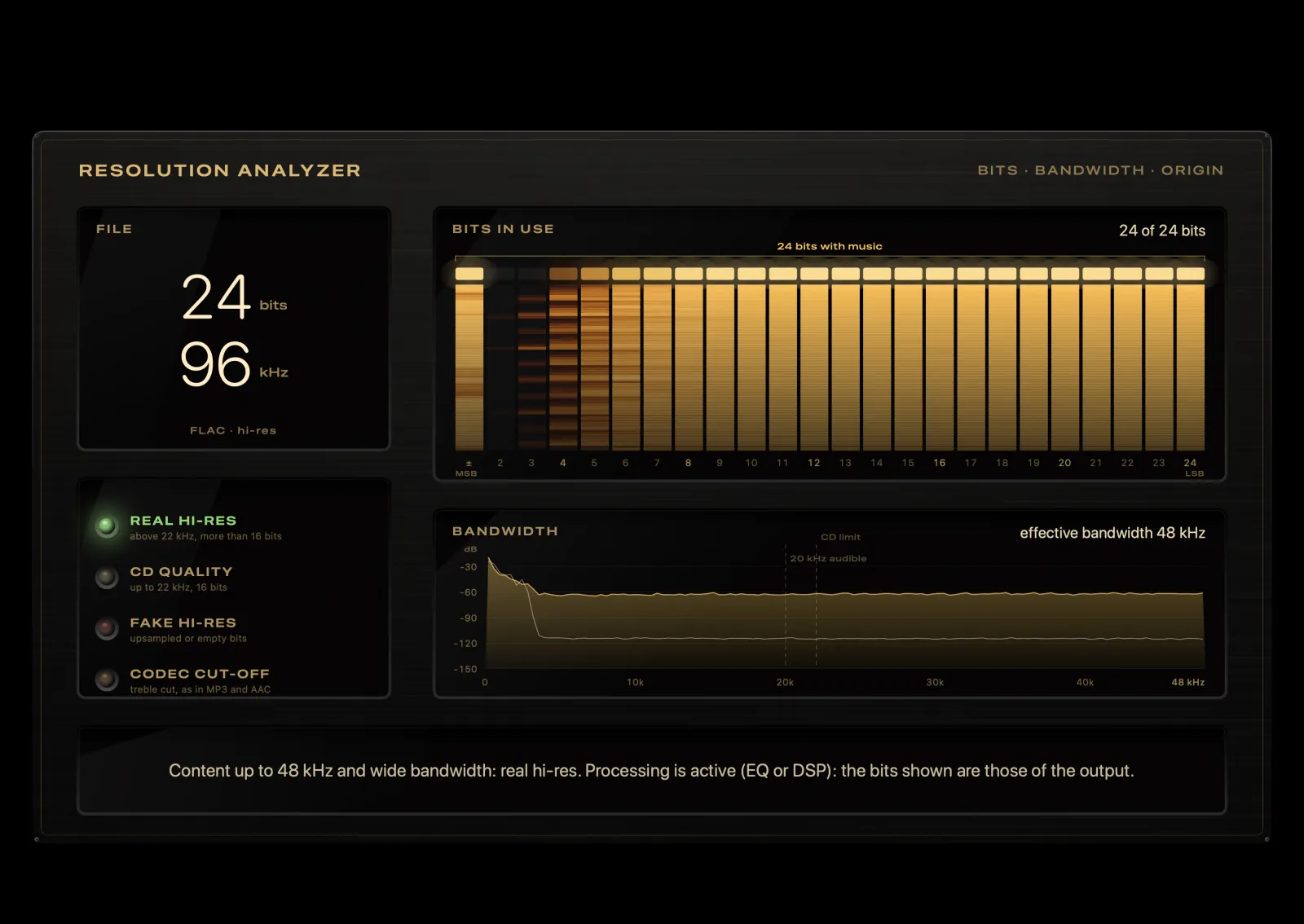
HyperFi Bits & Resolution visualizer
Bits & ResolutionShows whether hi-res is the real thing.
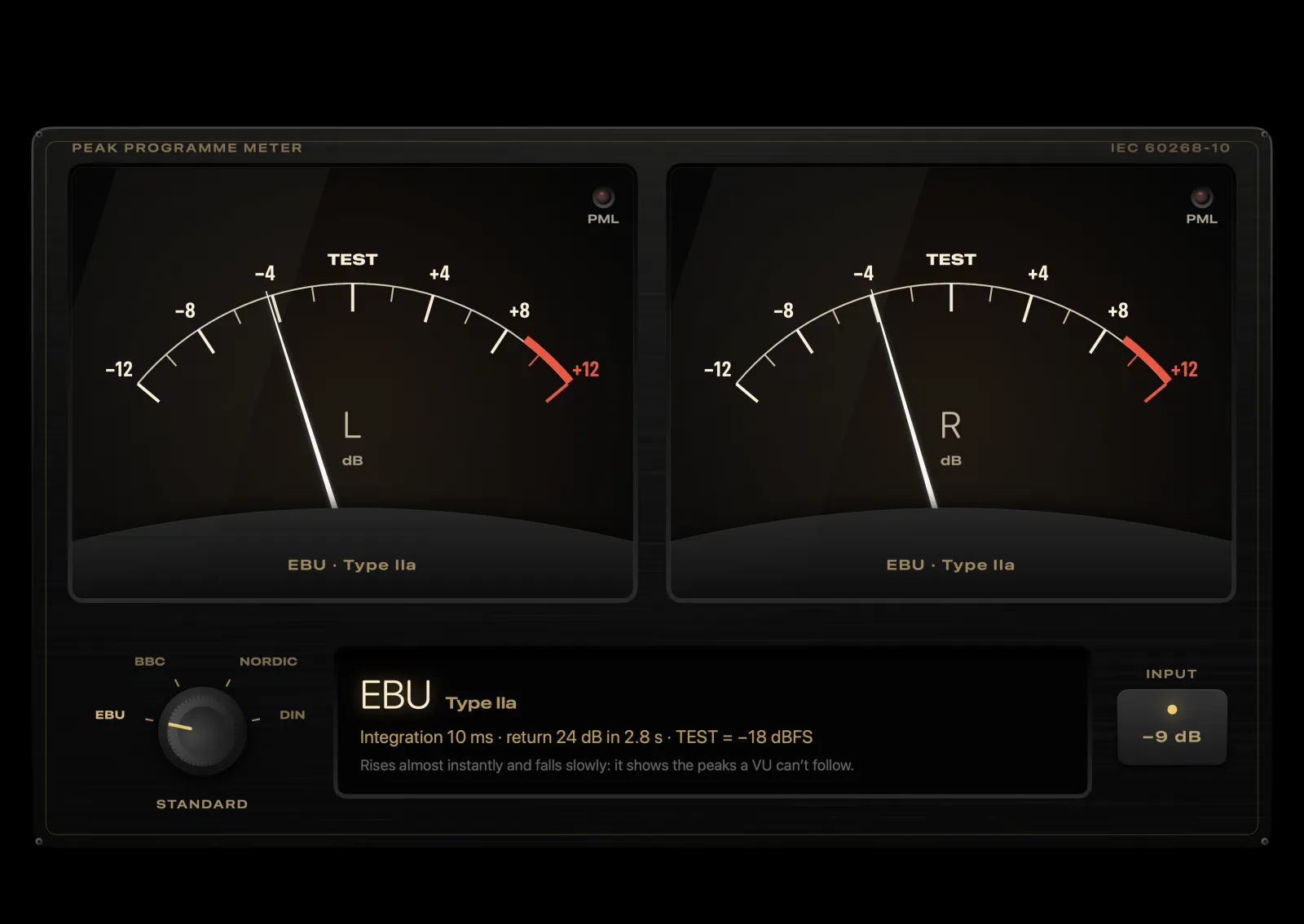
HyperFi PPM Meters visualizer
PPM MetersRadio and TV studio peak meters.
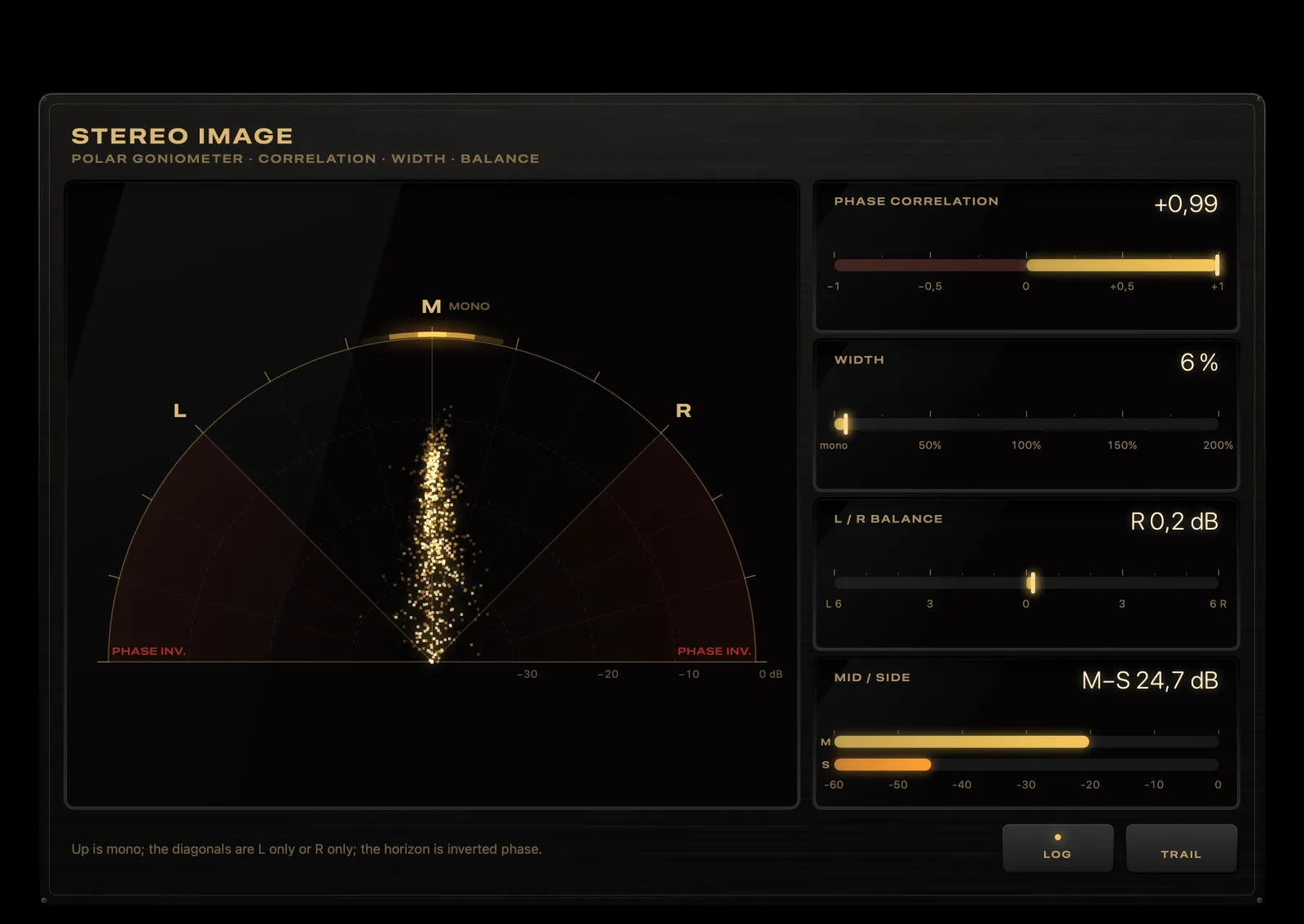
HyperFi Stereo Image visualizer
Stereo ImagePolar half-moon, width, balance and phase.
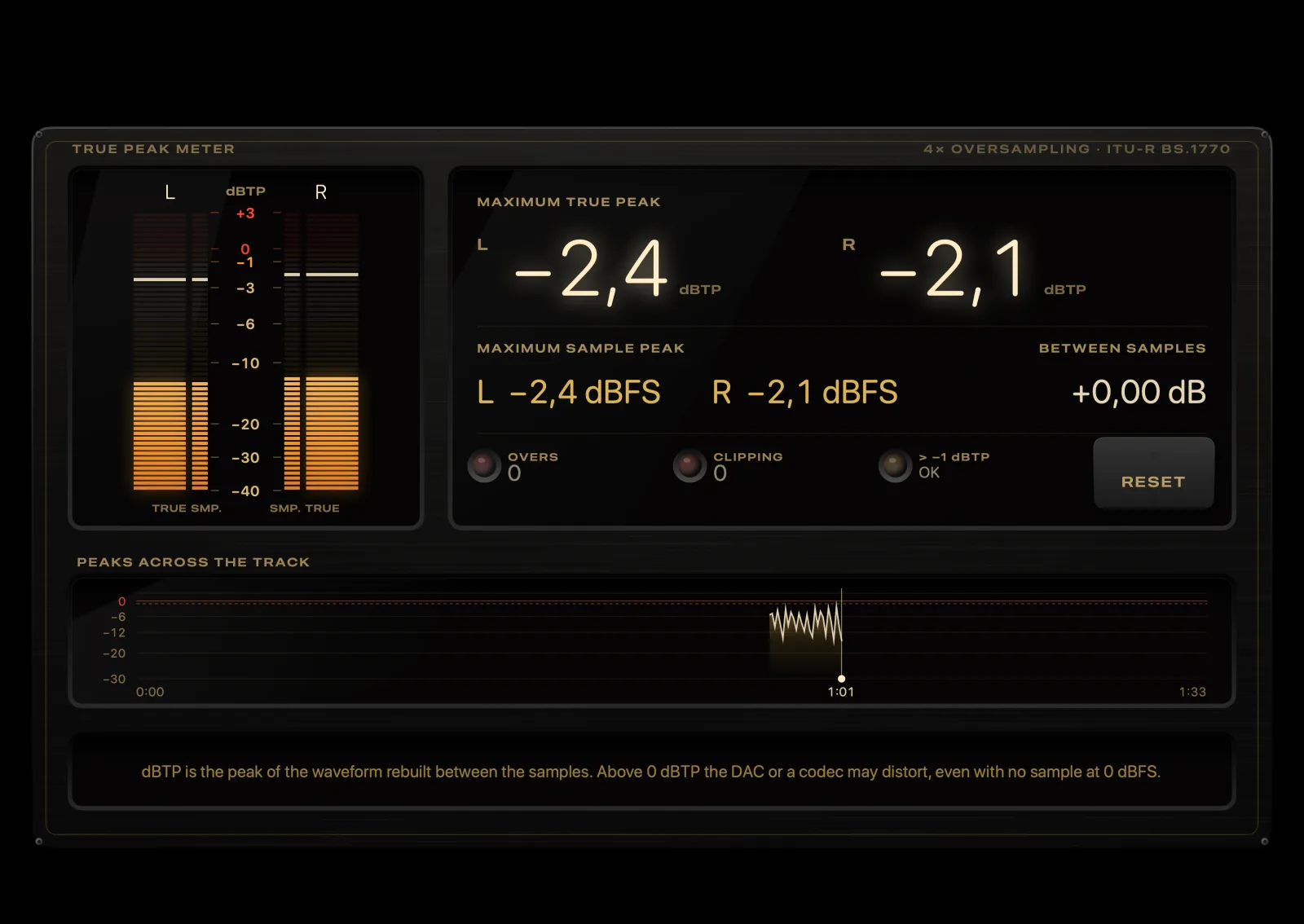
HyperFi True Peaks visualizer
True PeaksTrue peak with 4× oversampling, overs and clipping.

Also: karaoke-style lyrics and goniometer. With Apple Music, the audio is protected, so the meters are simulated and the app says so on screen.

Library and artists

Like flipping through records in a vinyl shop.

In Cover Flow, covers turn in 3D as you swipe on your iPhone, and the big screen follows along. Tap a cover to flip the record and see the tracks on the back.

Asfalto, Bando Cinza
FaixasAsfaltoBando Cinza
  1. Asfalto3:52
  2. Meio-fio3:18
  3. Faróis na Chuva4:27
  4. Viaduto3:05
  5. Rádio Noturna5:11
Ouro Velho, Big Band Paulista
FaixasOuro VelhoBig Band Paulista
  1. Ouro Velho4:48
  2. Swing da Garoa3:56
  3. Metais ao Entardecer5:20
  4. Bonde 133:34
  5. Salão Imperial6:02
Café Lisboa, Clara Vento
FaixasCafé LisboaClara Vento
  1. Café Lisboa3:47
  2. Alfama ao Meio-dia4:05
  3. Carta ao Tejo4:33
  4. Varanda Azul3:21
  5. Maré de Domingo4:50
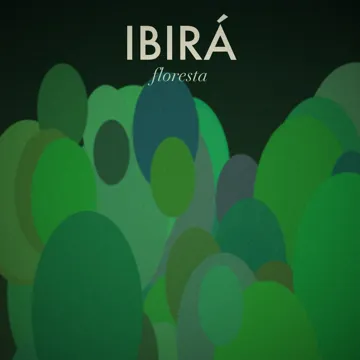
Floresta, Ibirá
FaixasFlorestaIbirá
  1. Clareira4:14
  2. Chuva no Dossel5:02
  3. Raiz3:39
  4. Copa das Árvores4:46
  5. Floresta6:18
Vértice, Kael Ortega
FaixasVérticeKael Ortega
  1. Vértice3:28
  2. Ângulo Reto3:57
  3. Linha Vermelha4:11
  4. Eclipse4:40
  5. Geometria do Silêncio5:26
Maré Alta, Lumen Trio
FaixasMaré AltaLumen Trio
  1. Maré Alta5:14
  2. Ondas Paralelas4:38
  3. Farol6:03
  4. Baixa-mar3:49
  5. Correnteza5:27
Poeira de Estrelas, Orquestra Austral
FaixasPoeira de EstrelasOrquestra Austral
  1. Nebulosa6:12
  2. Cruzeiro do Sul5:08
  3. Órbita Lenta7:24
  4. Via Láctea4:56
  5. Poeira de Estrelas8:31
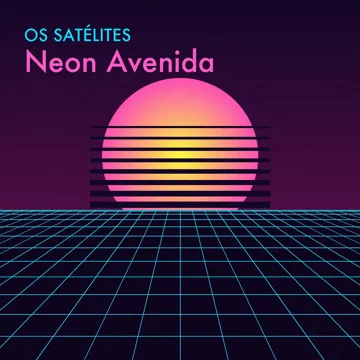
Neon Avenida, Os Satélites
FaixasNeon AvenidaOs Satélites
  1. Neon Avenida4:02
  2. Fita Cassete3:44
  3. Cidade Elétrica4:19
  4. Rodovia 883:58
  5. Pôr do Sol Digital5:13
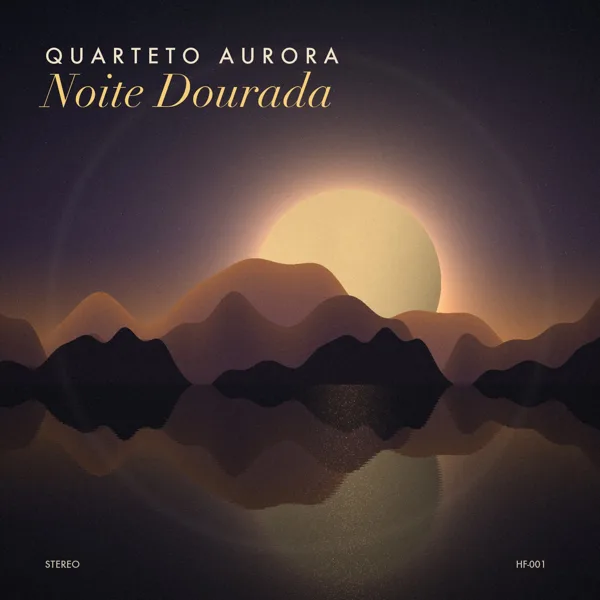
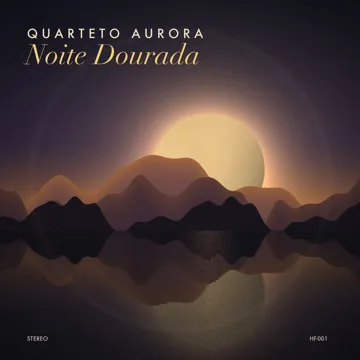
Noite Dourada, Quarteto Aurora
FaixasNoite DouradaQuarteto Aurora
  1. Noite Dourada4:12
  2. Lua no Guaíba5:03
  3. Aurora Austral3:47
  4. Brisa do Cais4:25
  5. Último Bonde5:36

Try it: drag the covers, swipe on the trackpad or use the arrow keys. Click the centre cover to see the tracks.

Artist and band pages

Meet who's playing.

Tap the artist or album name, on your iPhone or the big screen, and its page opens right beside what's playing.

  • Full biography: summary and the complete article, with photos
  • Infobox: origin with flag, birth date and age, genres, labels and years active
  • Band line-up: every member with photo, instruments and years in the band
  • Hits, albums and guest appearances, ready to play
  • Similar artists, each with its own page
  • Your albums by that artist, from your files and your NAS
  • PDF booklet for the album, when the record has one

Sources: Wikipedia, Wikidata, MusicBrainz, TheAudioDB and Apple Music. The illustration alongside features a fictional band.

Audiophile library

Every record with its full credits.

For people who read the whole liner notes: who played, who recorded it, which edition. And a collection that is always in order.

Credits for every track

  • Musicians, producers and engineers for every track
  • Tap a name to open that person’s page, with everything they played on

Album page

  • Review, label and year
  • Editions of the album: original, remaster, deluxe
  • A “you own this” badge on records already in your collection

Artist discography

  • Every album, in order, with what you own marked
  • See at a glance what’s missing from your collection

Tidy tags

  • Automatic fixing of titles, artists, years and covers
  • You review first and can undo later
  • Identifies untitled files by sound (AcoustID)

Advanced filters

  • By format, sample rate, bit depth, decade and label
  • One tap to show hi-res only or DSD only

A collection without gaps

  • Finds duplicates and missing tracks in albums
  • Smart radio made only from your own library
iPad or Mac

Two players. Each with its own talent.

The features are the same on both: EQ, room correction, visualizers, lyrics. What changes is the audio path to the DAC.

iPad

Simplicity and Apple Music

Role
A hi-fi display on the shelf: touchscreen, silent and fanless.
Output
USB-C DAC, AirPlay, headphones or Bluetooth, chosen in Control Center.For true hi-fi, use a USB-C DAC.
Sample rate
HyperFi asks iPadOS for each file's native sample rate.The system has the final say: most USB DACs accept it.
Bit-perfect
Not guaranteed: iPadOS mixes in system sounds and volume is digital.Tip: turn on Do Not Disturb and set the iPad's volume to max, controlling it on the amplifier.
DSD
Converted to 24-bit / 176.4 kHz PCM with a high-quality filter.
Apple Music
Best here. Lossless and Hi-Res Lossless up to 24/192 with a USB DAC, Dolby Atmos and a library with covers.
Files
FLAC, ALAC, WAV, AIFF, MP3 and DSD in the app's folder (via the Files app).
Microphone
Built in: "Learn song" works with no accessories.

Mac

Bit-perfect for your library

Role
A digital transport connected to the DAC and amplifier, with your entire library at hand.
Output
DAC selection inside the app, with its name and the sample rates it supports.
Sample rate
The DAC clock switches with every track to the file's sample rate (44.1 → 96 → 192 kHz), with no resampling.If the DAC doesn't support the rate, it uses the highest integer multiple.
Bit-perfect
Exclusive mode: only HyperFi uses the DAC while playing, with no macOS mixing or resampling.With several outputs connected, macOS sometimes blocks exclusive mode; the app tells you on screen.
Volume
On the DAC itself (hardware), when it has a control: the digital signal arrives intact.
DSD
Native DSD via DoP (DSD64 and DSD128) in exclusive mode, for compatible DACs.
Apple Music
Plays, but through the system output, without exclusive mode.The sample rate comes from Audio MIDI Setup.
Files
Folders on your Mac and on external drives, without copying anything: your library stays where it already is.
Microphone
MacBook and iMac have one built in. On Mac mini, "Learn song" needs an external microphone.
Hi-res and DSD libraryMac with a USB DAC: exclusive mode, sample rate switching and native DSD.
StreamingiPad with a USB-C DAC: Apple Music in Hi-Res Lossless, TIDAL and the screen as a display on the shelf.
BothThe iPhone finds both on the network and you choose where to play.

EQ, room correction, ReplayGain and crossfeed alter the signal on purpose. For true bit-perfect playback, leave them off.

HyperFi icon

Pick up your iPhone. Press play.

HyperFi Remote for iPhone and Apple Watch. HyperFi Player for iPad, Mac and Apple TV.

Free 7-day trial · then HyperFi Premium: one-time purchase, no subscription.